Review, scan, export, and investigate RBAC
Prerequisites
- Product permission
rbac.read. - ARM Reader visibility at every intended management-group, subscription, resource-group, and resource scope.
- Approved Graph read access for names, groups, Entra roles, ownership, and transitive paths.
- An approved external process for access changes; this feature is read-only.
Route
/rbac/overview, /rbac/effective, /rbac/privileged, /rbac/scopes, /rbac/roles, /rbac/insights, and /rbac/diagnostics.
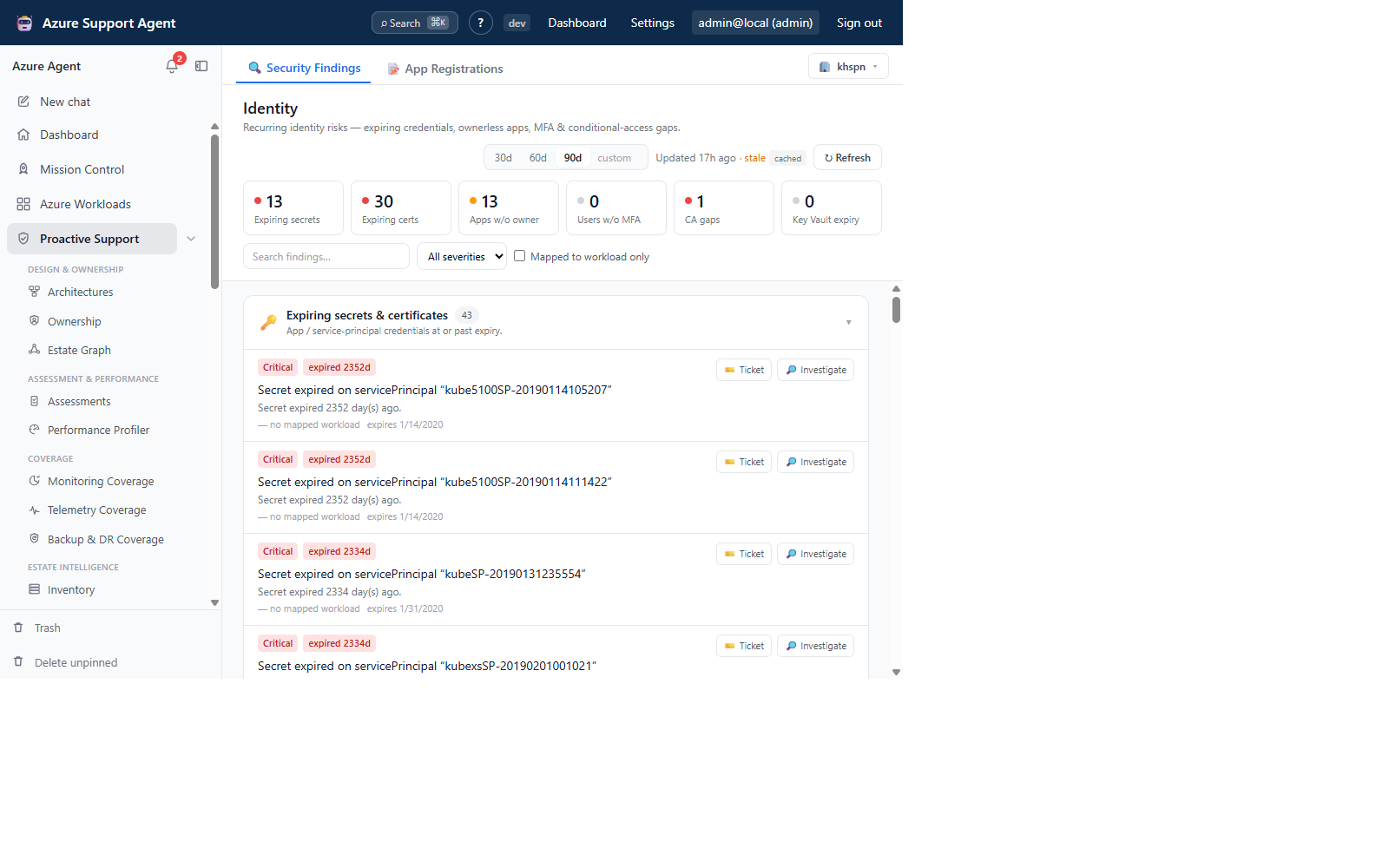
How to scan RBAC scopes and directory context
-
Open
/rbac/overview, select the connection, and inspect KPI and freshness badges. - Open
/rbac/scopesto identify stale, failed, or unauthorized scope slices. - Refresh one scope for a bounded Azure assignment update, Directory for principal/group/Entra context, or All only when necessary.
- Follow background progress; the job can continue after navigation.
- Open
/rbac/diagnosticsand resolve collector-specific errors.
Expected result: Current scope slices and directory context with explicit status per collector.
Verification: Generated times advance for the intended slices, Diagnostics is understood, and a known assignment/principal resolves correctly.
How to review effective access
-
Open
/rbac/effective. - Narrow workload/scope, surface, and principal type before entering search text.
- Inspect principal, effective principal, role, role definition, assignment scope, assignment type, and access path.
- Expand group/transitive or owner paths and note stale directory context.
- Confirm candidate access directly in Azure and Entra.
Expected result: A bounded list of known direct, group-derived, ownership, Azure, and Entra access paths.
Verification: Check assignment ID/scope, group chain, principal state, role actions/data actions, and inheritance. This is not a complete authorization-engine simulation.
How to investigate privileged and data-plane exposure
-
Open
/rbac/privilegedand separate privileged classification from roles containing data actions. - Prioritize broad scopes, cross-scope principals, standing users, external/unresolved principals, and nested groups.
- Open
/rbac/rolesto inspect role definitions and available principal records. - Use
/rbac/insightsfor pivots by role, principal, scope, surface, principal type, group inheritance, ownership, Entra role, eligibility, cross-scope, and orphaned state. - Establish business owner and intended use before proposing least-privilege or PIM changes.
Expected result: A source-verified access-review candidate with impact and ownership.
Verification: Validate role permissions, scope, deny/conditional controls, service ACLs, and recent use through authoritative systems.
How to export and hand off an RBAC investigation
-
Apply all intended filters in
/rbac/effective. - Use the available CSV, JSON, or workbook export control and record filter/scope/generated-time metadata.
- Open the file and confirm row and column completeness.
- Redact unnecessary object IDs, UPNs, group chains, and resource names before sharing.
- Create an approved case or ticket externally and attach only the minimum evidence.
- After remediation, refresh both the affected Azure scope and Directory when group or principal state changed.
Expected result: A reproducible review artifact and tracked investigation without an in-app access mutation.
Verification: The refreshed row disappears or changes as intended, while required emergency, deployment, and service-managed access remains intact.
Safety and rollback
Scanning and analysis are read-only but can be expensive at scale. The app does not add or remove role assignments. Azure/Entra rollback must be prepared externally before revocation: restore the prior assignment or group membership using approved tooling. Never remove break-glass, deployment, inherited, or service-managed access without impact review.
Freshness and partial results
Page visits read disk-backed caches and never scan. Azure scopes and directory context age independently. Partial or unauthorized collectors remain visible in Diagnostics. Row/page caps, server-side filtering, Graph gaps, unsupported deny/conditional assignments, classic administrators, and service ACLs can make results incomplete.
Troubleshooting
| Symptom | Resolution |
|---|---|
| Overview is empty | Inspect Diagnostics and refresh the correct scope; page load is cache-only. |
| Principal/group path is stale | Refresh Directory and verify Graph consent. |
| Subscription is missing | Verify connection visibility and Reader at parent/subscription scope. |
| Search is slow | Filter scope, surface, and principal type before typing. |
| Export differs from UI | Confirm format, filters, paging/row caps, and snapshot time. |
| Expected access is absent | Check inheritance, nested groups, conditions, deny assignments, service ACLs, and collector errors. |