Core experience
The core experience connects estate posture with investigation. The Dashboard summarizes configured data and guides setup; Chat handles interactive questions; Deep Investigation coordinates specialist agents when a problem requires structured hypothesis testing.
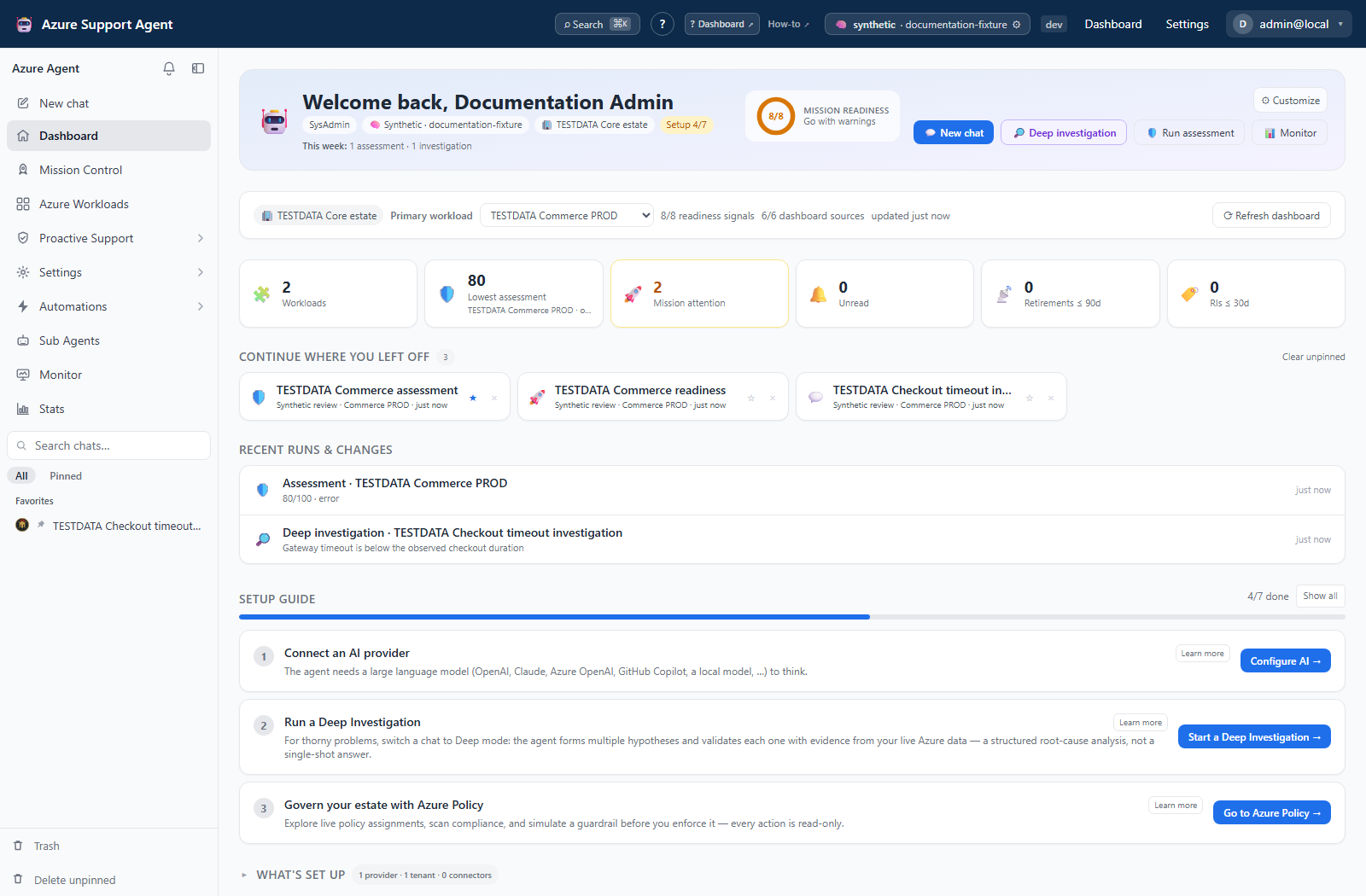
Pages
| Page | Use it for |
|---|---|
| Dashboard | Onboarding status, workload-focused coverage, posture, risks, and recent activity. |
| Chat and Deep Investigation | Conversational analysis, streaming tool activity, and War Room root-cause investigations. |
| Proactive Support, Monitor, and Stats | Feature selection, operational health, and read-only application summaries. |
Suggested workflow
- Use the Dashboard to identify a workload, stale signal, or risk that needs attention.
- Open the linked feature for authoritative detail, or start Chat for a cross-domain question.
- Select a workload before investigation when possible.
- Use Deep Investigation for ambiguous, high-impact, or multi-system failures.
- Validate evidence and proposed actions before changing Azure.
Use Proactive Support when the owning feature is not yet known, Monitor for runtime health, and Stats for a compact read-only summary. None replaces detailed source evidence.
Safety model
Core summaries are read-oriented, but their destination features and chat tools can expose local writes, generated artifacts, external deliveries, or approval-gated Azure changes. Confirm scope, tool classification, and approval state at the destination.
Prerequisites
A configured model provider is required for AI workflows. Live Azure evidence also requires an enabled Azure connection with access to the selected scope. Product roles determine which cards, tools, and actions are visible.