Estate intelligence operations
Use these recipes to build a current estate view, govern tags with preview and recovery, and investigate Azure changes with preserved evidence.
Prerequisites
- An enabled Azure connection with Reader access to the intended scope.
- The product permission named in the selected guide.
- A current collected Inventory/Tag cache for the exact dependent scope. A saved Inventory baseline is not required just to analyze tags.
Route
Use /inventory, /tagintel, or /change-explorer. The feature guides list their tab routes; a workload/subscription picker and a Grid facet do not necessarily change collection scope in the same way.
How to choose the right estate workflow
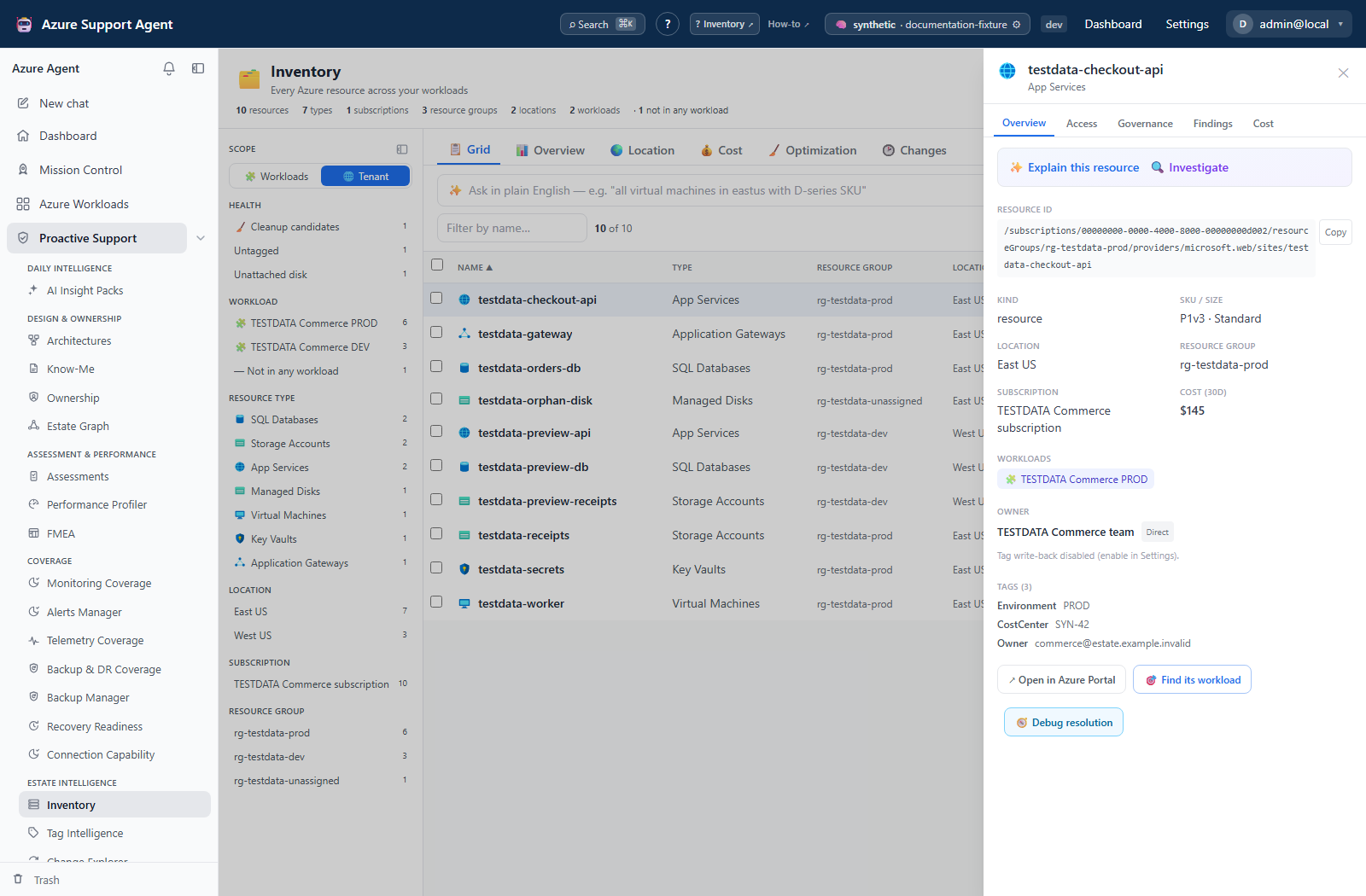
- Use Inventory to search, filter, export, map, cost, optimize, and compare current inventory with a saved baseline.
- Use Tag Intelligence to audit tags, preview concrete operations, and review the documented apply/revert limitations before any write.
- Use Change Explorer for actor/time forensics, technical diffs, dependency impact, comparison, evidence, and reports.
Expected result: Snapshot drift is handled in Inventory, tag-state drift in Tag Intelligence, and event/actor forensics in Change Explorer.
Verification and safety: Confirm route, connection, actual resource/subscription scope and timestamp before combining evidence. A successful cost/analysis status does not rule out unsurfaced caps, and required-tag coverage differs from any-tag presence.
How to preserve evidence before a tagging campaign
- Record the intended scope and refresh its current Tag cache. Whole-connection Inventory and a separate workload/subscription cache are not interchangeable.
- Export the relevant Inventory rows and record the timestamp/filters. Capture a Tag Drift baseline for comparable tag-state evidence; an Inventory baseline alone does not compare tags.
- Preview a small change set whose entire actual target set is approved. Do not rely on an AI per-operation match count to constrain the multi-operation planner.
- Preserve independent prior tag values before apply. Check terminal outcomes and that a recovery revision really exists before refreshing and capturing the after-state.
- Use Change Explorer for actor/time evidence, noting source completeness and the exact window; export evidence before bounded history removes it.
Expected result: Before/after tag evidence, exact write outcomes and event context are distinguishable rather than treated as one interchangeable snapshot.
Verification and safety: Required application capabilities are inventory.read, tagintel.read and changeexplorer.read; persistent Tag changes need tagintel.write. Azure write rights and organizational approval remain separate. Apply, revert and Inventory owner write-back do not enforce identical gates, and recovery revisions are not a guarantee of conflict-safe rollback.
Safety and rollback
Inventory collection and Change Explorer analysis do not mutate Azure, but Inventory’s owner-tag drawer action can write through ownership.write. Tag apply requires explicit approval and checks connection read-only/command execution; Tag revert requires explicit approval but does not enforce those same settings. Preserve current state independently before bulk tagging or revert. A disconnected Tag apply is not a durable resumable job, and a partial revert can still mark the original revision reverted.
Change Explorer Fleet and Inventory Cost have durable batch records; single Explorer analysis and Tag refresh have browser streaming/background state with different recovery guarantees. Change Explorer event opening can trigger AI, and report downloads ignore UI filters. Avoid purging forensic runs or assuming bounded history will retain required evidence indefinitely.
Troubleshooting
| Symptom | Cause | Resolution |
|---|---|---|
| Dependent Tag feature is stale | It reads a different workload/subscription cache from whole-connection Inventory. | Refresh the exact Tag scope; verify the new timestamp and resource IDs. |
| Different views disagree | Snapshot fields, source scope, cost attribution and collection caps differ. | Compare those definitions and collection times before asserting drift or a billing discrepancy. |
| A write is unavailable | Its specific permission, approval, execution or Azure authorization checks failed. | Read the exact error and follow the feature’s prerequisites; do not infer a universal gate from chat mode or use another write path as a bypass. |
| A green result has missing evidence | Some source/subscription/page limits are not surfaced as partial. | Reconcile actual IDs and counts and repeat a narrower collection when needed. |