Connectors
App route: /admin/connectors Permission: connectors.manage
Connector definitions are encrypted at rest. Secret fields are masked on read; entering a blank secret during edit keeps the existing value. Each connector has type, mode, name, enabled/disabled state, health status, and type-specific fields.
The source registers these exact types: Teams, Outlook, Email, Jira, ServiceNow, Grafana, Slack, Webhook, PagerDuty, Splunk, Cortex XSOAR, Amazon SQS, Amazon S3, AWS Security Hub, Azure Service Bus, Azure Logic Apps, Sumo Logic, and CrowdStrike Falcon Next-Gen SIEM.
Where connector setup meets routing
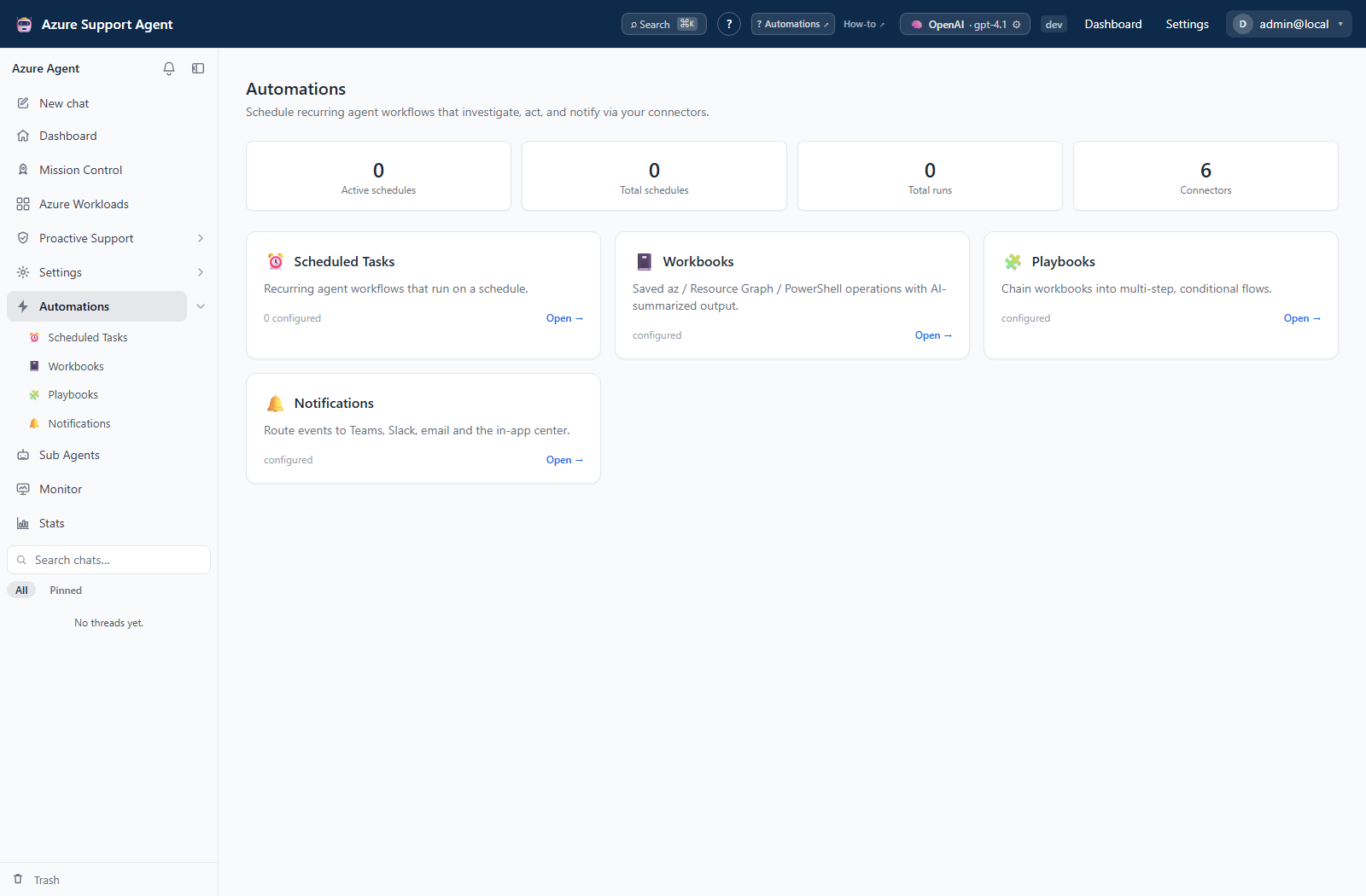
Configure destinations at the app route above, then use the relevant automation or notification workflow to select how they are used. The Automations directory helps distinguish stored connectors from schedules, runs, and event-routing rules; it is not the connector editor.
Setup guides
- Teams, Slack, and email
- Jira, ServiceNow, and PagerDuty
- SIEM and security destinations
- Grafana
- Azure Logic Apps and generic webhook
- Queues and storage
Procedures
| Task | Recipe |
|---|---|
| Create, test, enable, rotate, disable, or delete a connector | Manage connector lifecycle |
| Configure Teams, Slack, Outlook, or email | Configure messaging connectors |
| Configure Jira, ServiceNow, or PagerDuty | Configure ticketing connectors |
| Configure Grafana, Splunk, Sumo Logic, CrowdStrike, or AWS Security Hub | Configure observability connectors |
| Configure Azure Logic Apps | Configure Logic Apps connector |
| Configure Service Bus, Amazon SQS, or S3 | Configure queue and storage connectors |
| Configure a generic webhook | Configure custom webhook connector |
| Route events to a connector | Route and review notifications |
Safe setup
- Create a least-privilege account, token, policy, or endpoint at the destination.
- Create the connector disabled and enter no real IDs in documentation.
- Save, run the side-effect-free Test probe, and inspect status detail.
- Use Send test only for types where the UI offers it; it creates a real destination event.
- Verify at the destination, then enable and select it in a notification/task rule.
Tests for ticketing/storage/queue connectors avoid writes where possible. A presence-only test does not prove delivery. Connector tools remain subject to tool classification, approvals, tenant scope, and audit.