Administration
Administration is capability-gated, not limited to one role name. Readable Settings entries appear only when the active role has their exact capability. Common splits include settings.read/settings.write, firewall.read/firewall.manage, radar.read/radar.manage, monitor.view for Usage, and audit.read for Audit Log; connections, connectors, users, backup, and demo data have dedicated permissions. A custom role that must operate a split editor needs both its route/read key and mutation key. Without the mutation key, supported sections remain read-only; a mutation key alone does not expose a read-gated route.
Looking for numbered procedures rather than reference material? Open the administration how-to guides.
Configuration
Security and access
Tool preference and references
Observability and maintenance
Every Settings entry
The Settings sidebar groups its entries into Configuration, Security & access, Tool Preference, Observability, and Miscellaneous. Each entry below is documented on one of the pages above; where a read and a write capability differ, both are listed.
| Settings entry | Capability | Documented in |
|---|---|---|
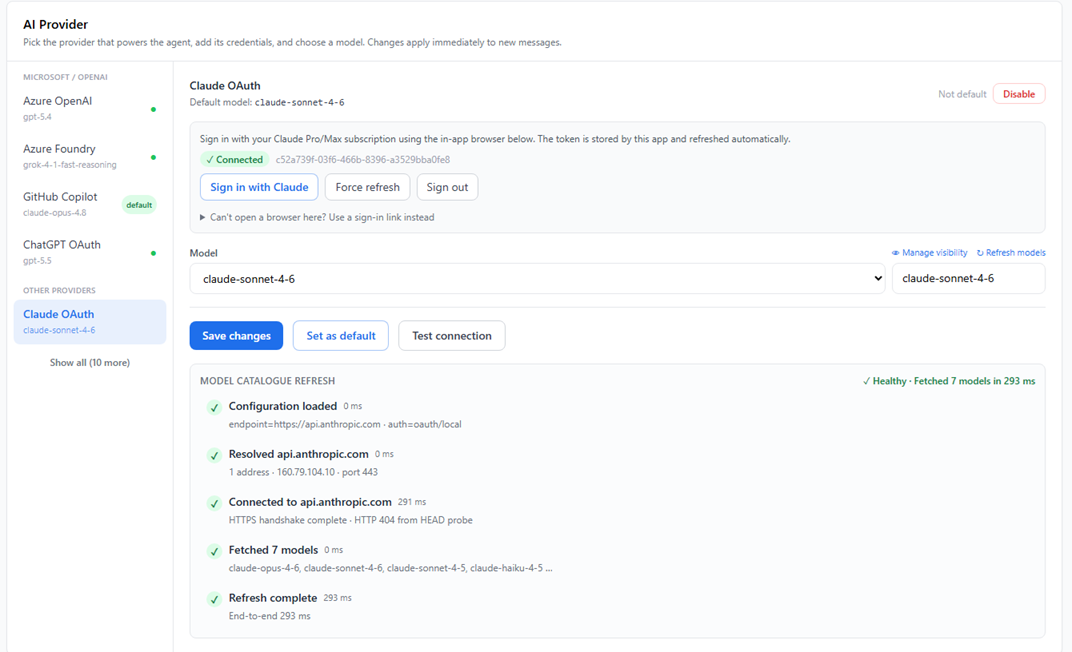
| AI Providers | settings.read / settings.write | AI providers |
| Azure Tenants | connections.manage | Azure tenants |
| Sandbox VMs | sandbox.exec | Sandbox VMs |
| Connectors | connectors.manage | Connectors |
| General | settings.read / settings.write | General settings |
| Access Control | users.manage | Access Control |
| Security Policy | users.manage | Security Policy and Active Sessions |
| Network Access | firewall.read / firewall.manage | Network Access |
| Active Sessions | users.manage | Security Policy and Active Sessions |
| System Prompts | settings.read / settings.write | System prompts and scoring |
| Assessments & Architecture | settings.read / settings.write | System prompts and scoring |
| AMBA Reference Set | coverage.manage | Reference sets and change requests |
| AMBA Change Requests | coverage.manage | Reference sets and change requests |
| Telemetry Reference Set | coverage.manage | Reference sets and change requests |
| Telemetry Change Requests | coverage.manage | Reference sets and change requests |
| Backup/DR Reference Set | coverage.manage | Reference sets and change requests |
| Backup/DR Change Requests | coverage.manage | Reference sets and change requests |
| Retirement Radar Reference | radar.read / radar.manage | Reference sets and change requests |
| Usage | monitor.view | Usage and Audit Log |
| Audit Log | audit.read / settings.write | Usage and Audit Log |
| Azure MCP Tools | settings.read | MCP tools |
| EntraID MCP Tools | settings.read | MCP tools |
| Backup & Restore | backup.manage | Backup & Restore and Demo Data |
| Demo Data | demo.manage | Backup & Restore and Demo Data |
Users, Roles, Groups, and Sign-in & SSO are sub-tabs of Access Control and share its users.manage capability. Durable Work Batches is a background-execution surface rather than a Settings entry.
Changes affect the current tenant/workspace unless a page explicitly describes an Azure connection or external destination. The live role editor is authoritative when a capability name differs from this table; see the permissions reference.