Analyze policy pivots and history
Prerequisites
- Product permission
policy.readand a loaded policy inventory. policy.writeonly when saving or deleting local simulations or snapshots.- Enough source metadata to resolve assignment creator and time; blanks remain unknown.
Route
/policy/byperson, /policy/bysubscription, /policy/timeline, /policy/pivot, and /policy/history.
Screenshot note: Attribution, dates, totals and snapshots below are synthetic browser fixtures. No snapshot was collected or saved during capture; missing author, date or subscription metadata remains unknown rather than evidence of no activity.
How to find policy assignments by person
-
Open
/policy/byperson. - Filter to the workload or scope under review.
- Expand a person/author group and inspect its policies, scopes, and assignment dates.
- Export the bounded pivot if a review record is needed.
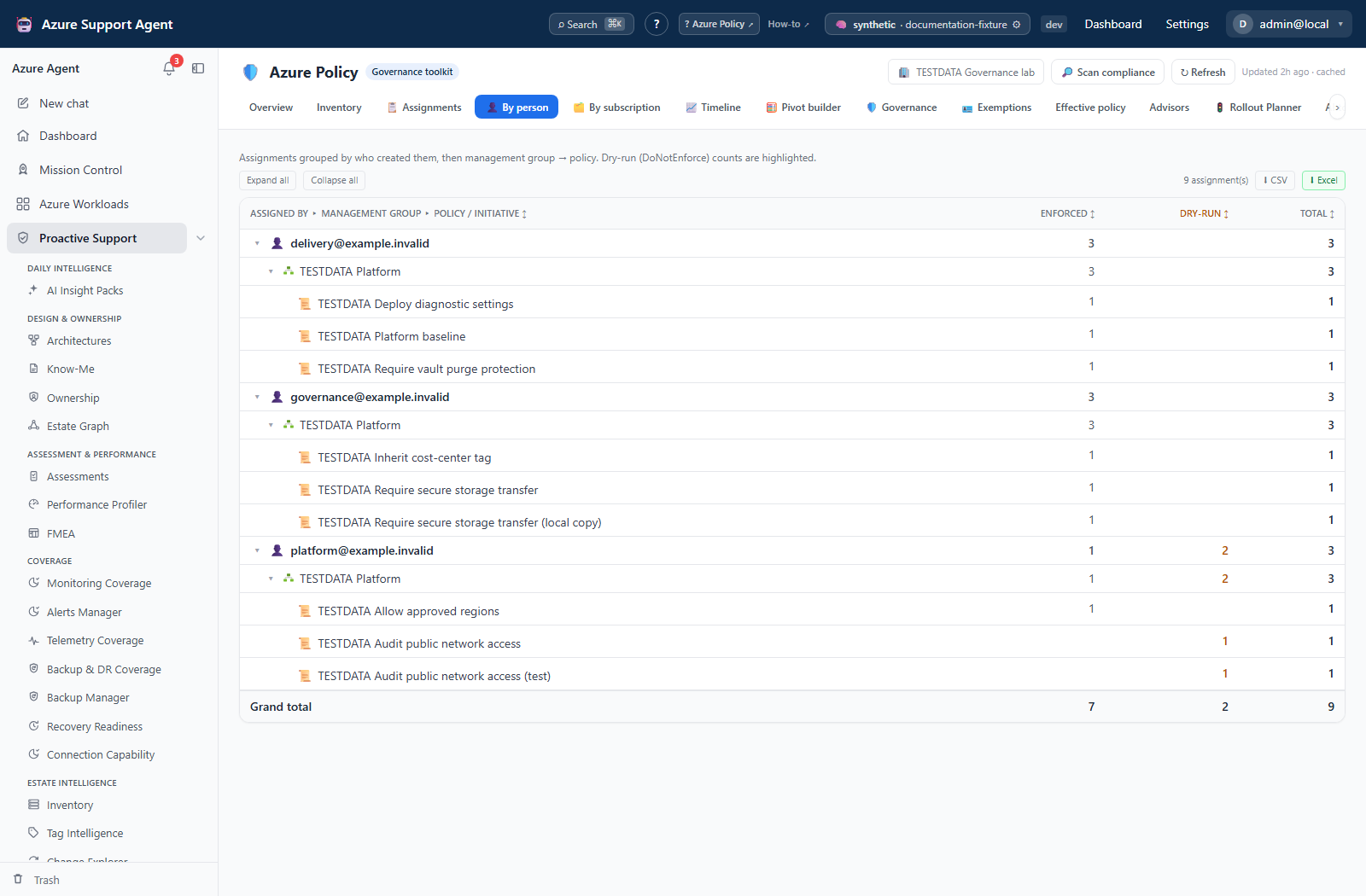
Expected result: Assignments grouped by available author metadata.
Verification: Open representative assignments in Azure. Missing author metadata does not prove that no person created the assignment.
How to compare subscriptions
-
Open
/policy/bysubscription. - Select the management-group or workload boundary.
- Compare assignment counts and policy coverage across subscriptions.
- Drill into an outlier and verify inherited assignments and exemptions.
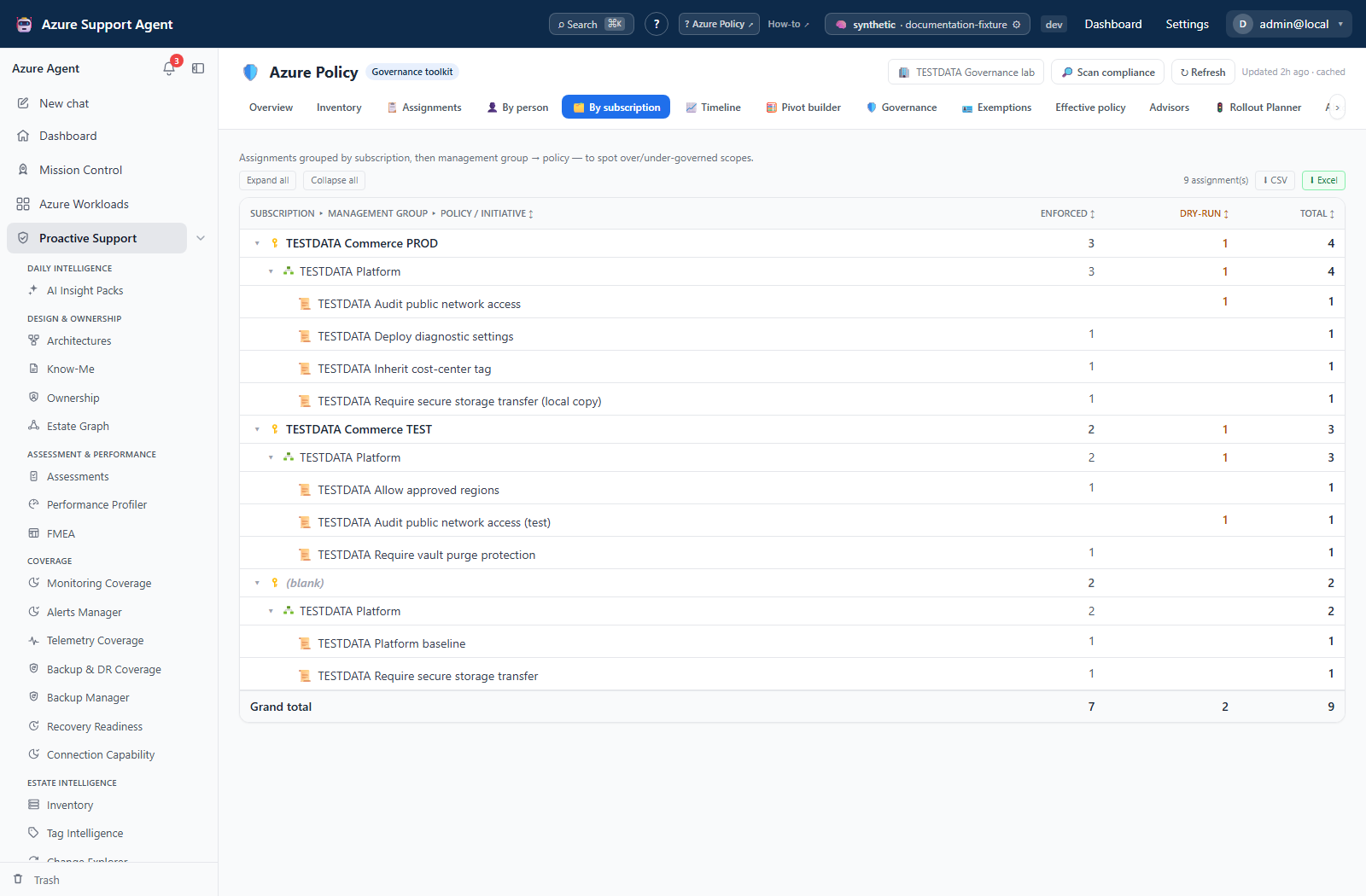
Expected result: A scope-oriented comparison that highlights differences for investigation.
Verification: Confirm outliers against /policy/assignments and Azure; counts can differ because inherited and excluded scopes are represented differently.
How to analyze timeline and custom pivots
-
Open
/policy/timelineand choose the relevant time slice. - Inspect assignment activity using only records with known dates.
- Open
/policy/pivotand add/reorder row dimensions: assigner, management group, subscription, policy or created date. Columns split by enforcement mode; they are not an arbitrary column-dimension picker. - Choose a preset and date granularity where offered, then export CSV or Excel. The date-window slicer belongs to Timeline. Save perspective keeps the row layout and granularity in this browser, not the data or a server schedule.
- Record dimensions, filters, generated time, and source cache age with the result.
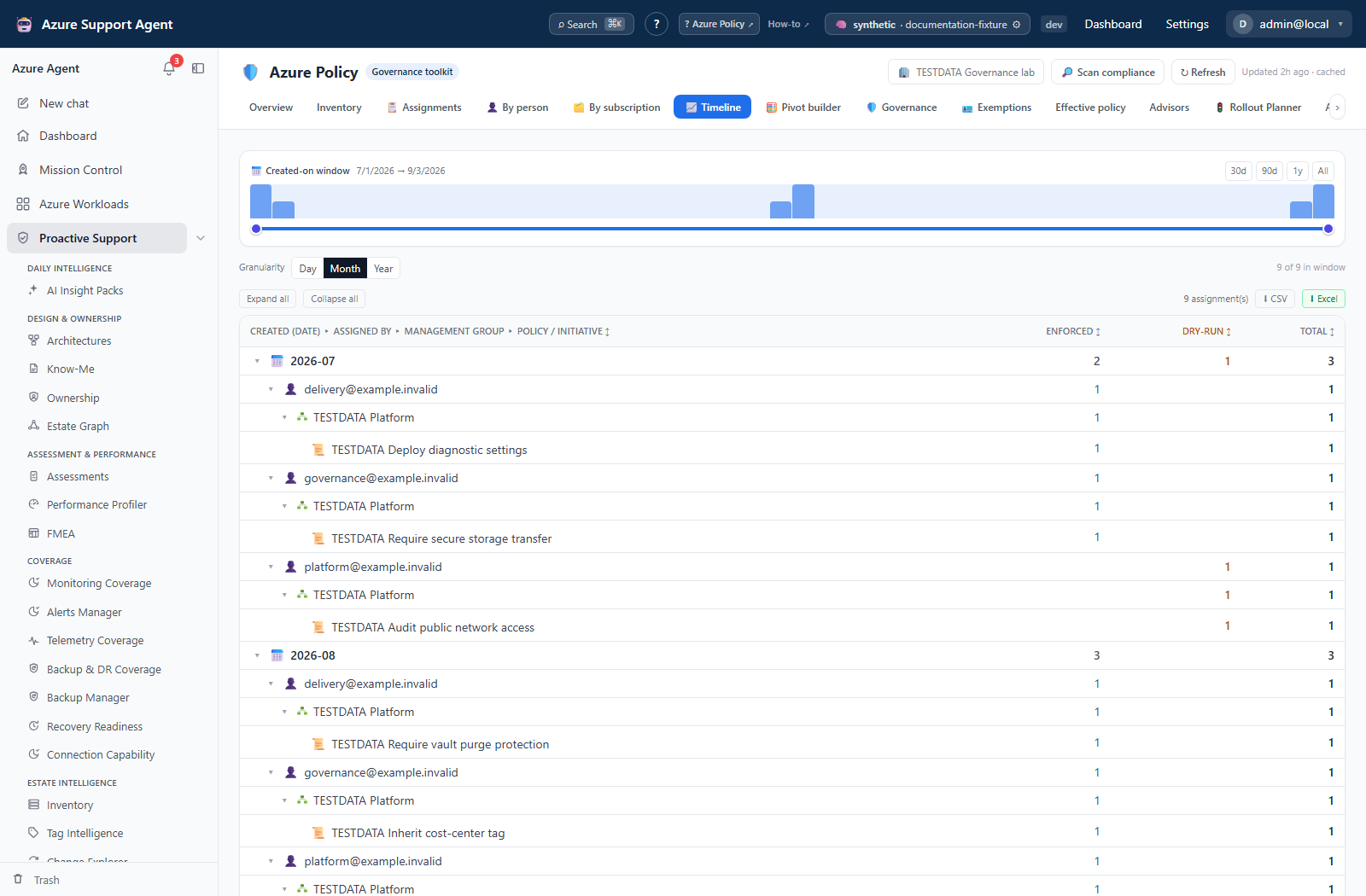
Expected result: A reproducible grouped analysis over the currently loaded assignment snapshot.
Verification: Recreate one pivot total from filtered assignment rows. Timeline is not an Azure Activity Log and should not be used as sole change evidence.
How to review saved policy history
- Open
/policy/historyfor inventory/compliance summaries, not rollout results. - With
policy.write, select Take snapshot to collect a new connection-wide inventory and compliance summary. This action does not take the workload filter as input. - Read assignment, exemption, definition and non-compliance deltas against the previous stored summary. Compare only like-for-like connection coverage; the list is not filtered by the connection picker.
- For rollout results, open Saved simulations on
/policy/rollout; for coverage runs, open Analysis history on/policy/advisors. Check creation time and workload before reopening a record. - Delete a simulation or coverage run only when retention permits and
policy.writeis available. History has no snapshot-delete button.
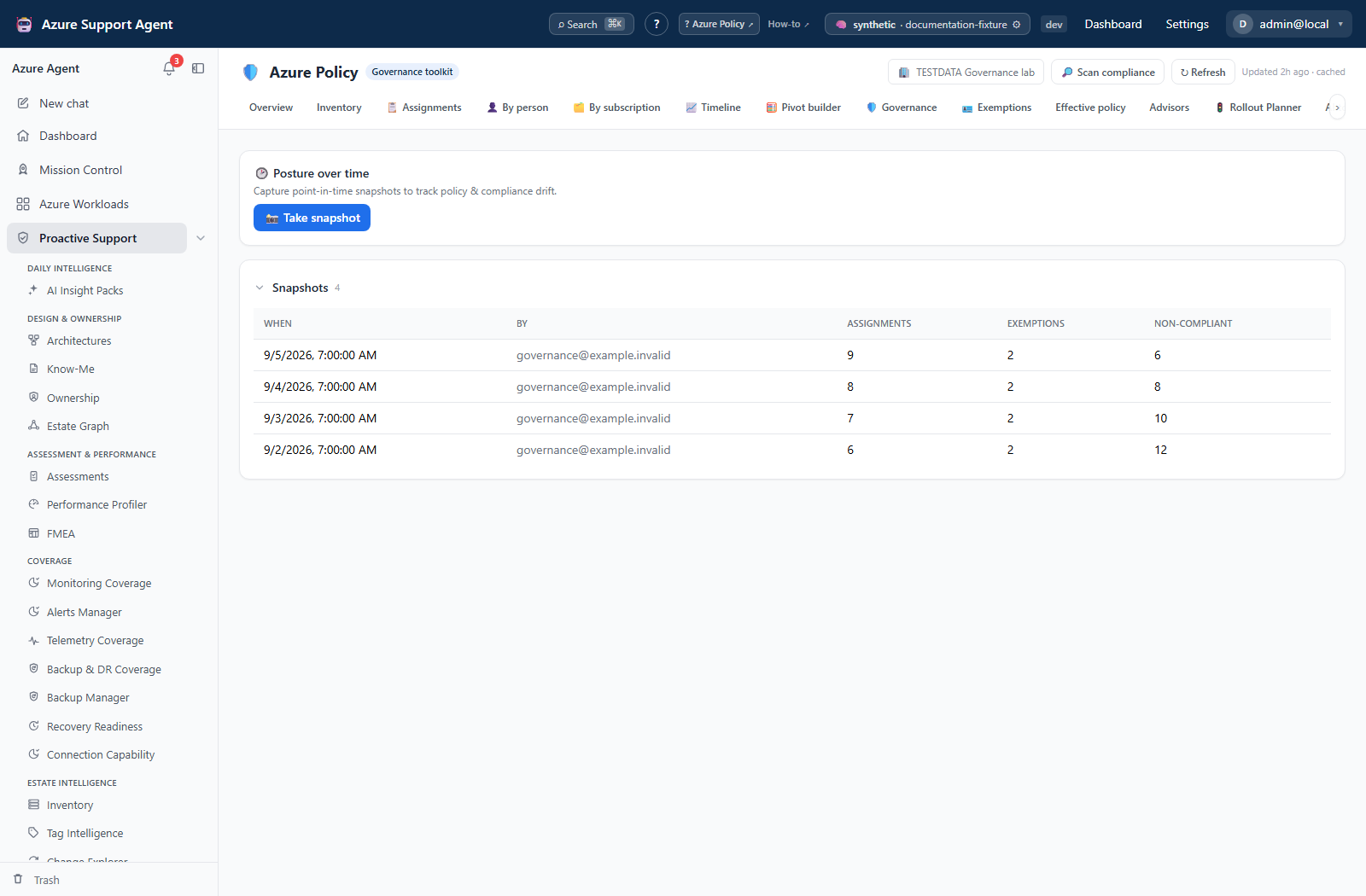
Expected result: A traceable local record of prior analysis, not proof that Azure was changed.
Verification: Confirm current Azure state independently; saved runs are point-in-time artifacts.
Safety and rollback
Pivots and exports are read-only. Saving and deleting history writes only local application records. Deletion may not be recoverable; export or preserve the record first when required. Do not include real user IDs or sensitive assignment parameters in shared examples.
Freshness and partial results
All pivots derive from the loaded inventory and inherit its age, workload filter, missing metadata, and Resource Graph truncation. History does not auto-refresh its old inputs. A blank date or author is unknown data, not absence of activity.
The snapshot list returns at most 30 records. Storage caps are 60 snapshot summaries, 100 simulations and 100 coverage runs in their respective registries. These are bounded local histories, not immutable per-connection archives.
Troubleshooting
| Symptom | Resolution |
|---|---|
Person is Unknown | Verify source metadata and Azure visibility; use scope/policy pivots instead. |
| Timeline is sparse | Assignment creation data may be absent; consult Azure Activity Log or IaC history. |
| Pivot totals disagree | Align slicers, workload scope, inheritance handling, and empty-value buckets. |
| Old simulation looks current | Check creation time and rerun analysis against a fresh inventory. |
| Cannot delete history | Confirm policy.write and retention requirements. |