How-to guides
These recipes explain how to complete real tasks in Azure Support Agent. Each procedure identifies the application route, permissions and prerequisites, numbered actions, expected result, verification, safety or rollback considerations, and troubleshooting.
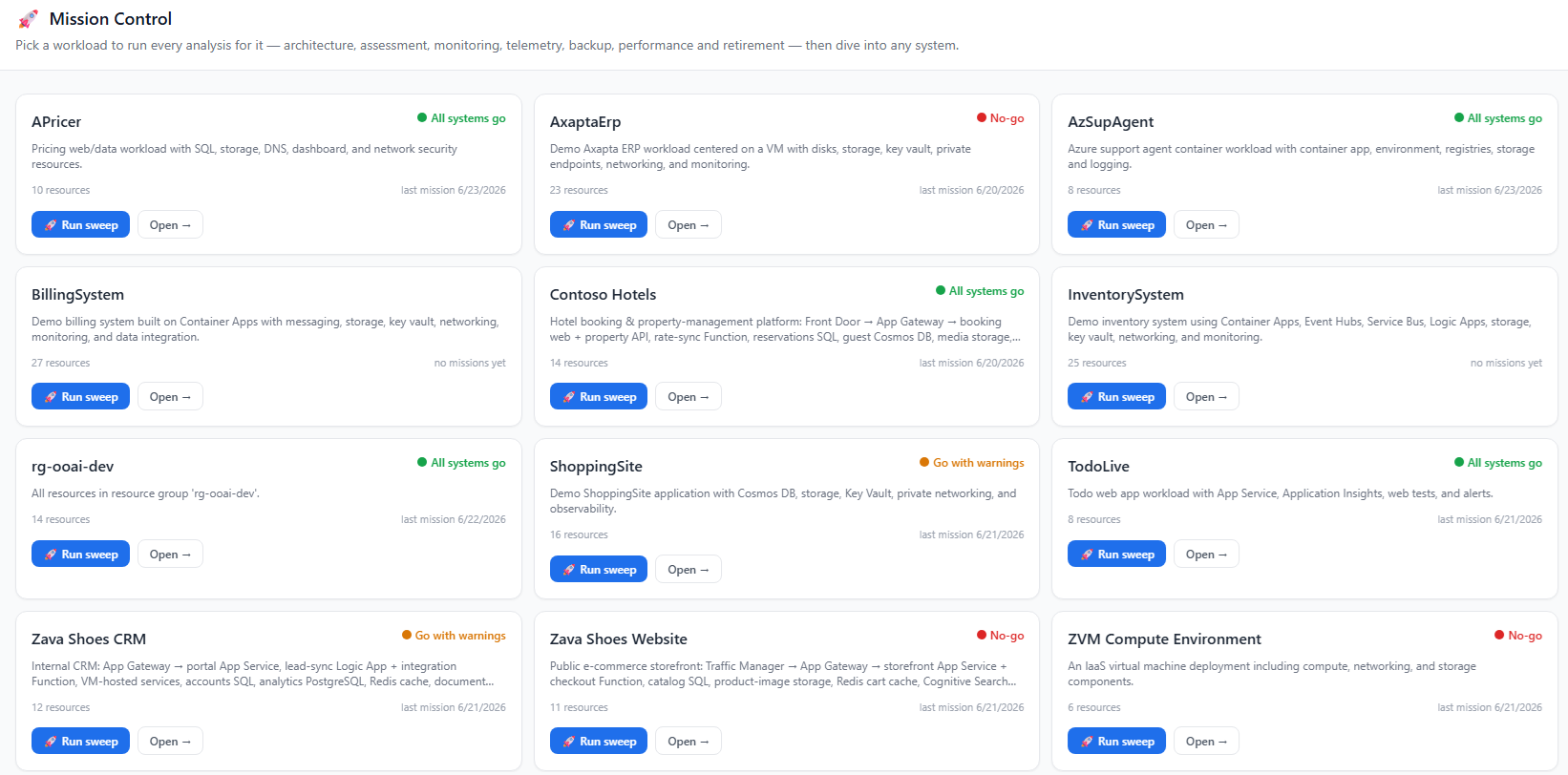
Start with these
| Task | Recipe |
|---|---|
| Discover the estate and save the first workloads | Run Workload Autopilot |
| Collect Entra ID data for the first time | First Entra collection |
| Find and close alert gaps on a workload | Monitoring Coverage |
| Triage a failed or missing backup | Backup Manager |
| Close a Conditional Access coverage gap | Conditional Access coverage gaps |
| Lock the application down to known IP ranges | Restrict network access by IP |
Every recipe area
| Area | Recipes | Feature reference |
|---|---|---|
| Core and workload operations | Dashboard, Chat, Deep Investigation, Proactive Support, Monitor, Stats, workload fleet, Autopilot discovery, workload detail and groups, and Mission Control | Core experience |
| Design and assessment operations | Insight Packs, Architectures and Know-Me, Ownership, Estate Graph, Assessments, Performance Profiler, FMEA, sandbox diagnostics, connectivity tests, and private DNS debugging | Design & Ownership |
| Coverage operations | Monitoring Coverage, Alerts Manager, Telemetry Coverage, Backup & DR Coverage, Backup Manager, and Connection Capability | Coverage |
| Estate intelligence operations | Inventory, Tag Intelligence, and Change Explorer | Estate Intelligence |
| Governance and identity | Policy inventory, pivots, effective policy, rollout and drift; Entra collection, findings, Conditional Access gaps, privileged activity and guest reviews; IAM access reviews, scanner inbox, escalation review, disabled access, and attribute changes | Governance & Identity |
| Lifecycle and investigation | Retirement Radar, Reservations Monitor, Quota Monitor, Telemetry Intelligence, Evidence Locker, and Case Files | Lifecycle & Investigation |
| Automations and connectors | Scheduled Tasks, Sub Agents, Workbooks, Playbooks, Notifications, connector lifecycle, and every implemented connector type | Automations |
| Administration tasks | Providers, tenants, sandbox VMs, connectors, general settings, access control, security and sessions, network access, prompts and scoring, reference sets, usage and audit, MCP tools, durable batches, backup, and demo data | Administration |
How to use a recipe
- Confirm the route and scope before running a scan or editing a record.
- Check both product permissions and Azure/Graph permissions.
- Review freshness, cache, truncation, and partial-result indicators.
- Verify generated or AI-authored content against source evidence.
- Preview write operations, preserve approvals, and understand rollback before apply.
- Re-query the owning system after a change and preserve verification evidence.
Examples intentionally contain no live tenant identifiers, resource IDs, tokens, receiver addresses, or credentials. Keep operational exports and screenshots out of public documentation unless they are sanitized.