Backup & Restore and Demo Data
Permissions: backup.manage, demo.manage
Purpose
App routes: /admin/backup, /admin/demodata
Prerequisites and data sources
Tabs and actions
Freshness and scope behavior
Workflow overview
Backup & Restore
The backup screen enumerates available sections by tier, such as configuration, operational data, references, and credentials. Select explicitly, download the archive, and store it under organizational controls. The normal whole-tenant configuration export is designed to be secret-free/masked unless the UI explicitly offers a protected secret tier with clear warnings.
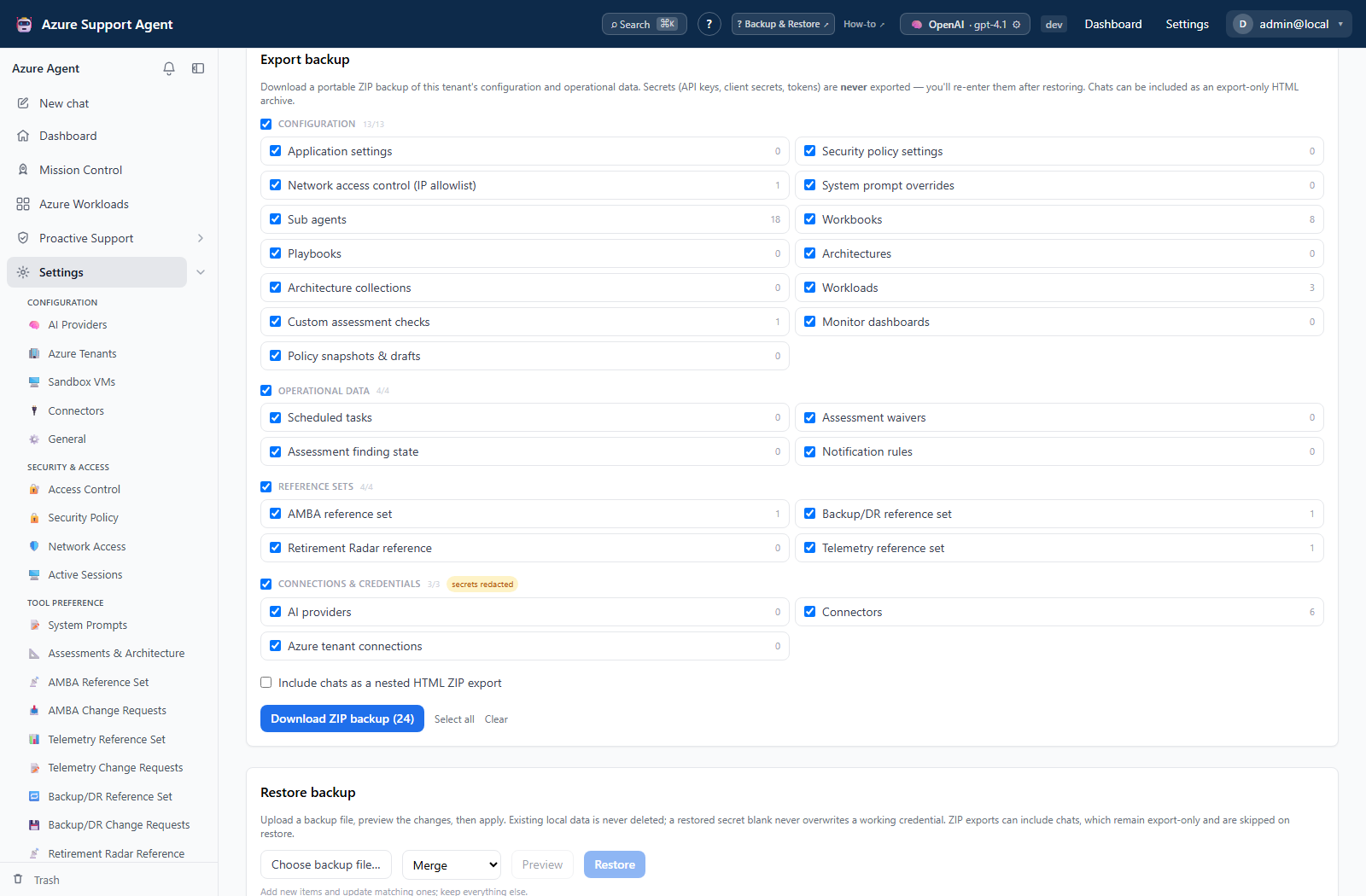
For restore, upload the archive, validate/preview it, select sections, and choose the offered conflict mode: merge, overwrite, or skip. Restore does not prove external credentials remain valid; re-enter and test masked/excluded secrets. Verify tenant identity before import and take a current backup first.
Demo Data
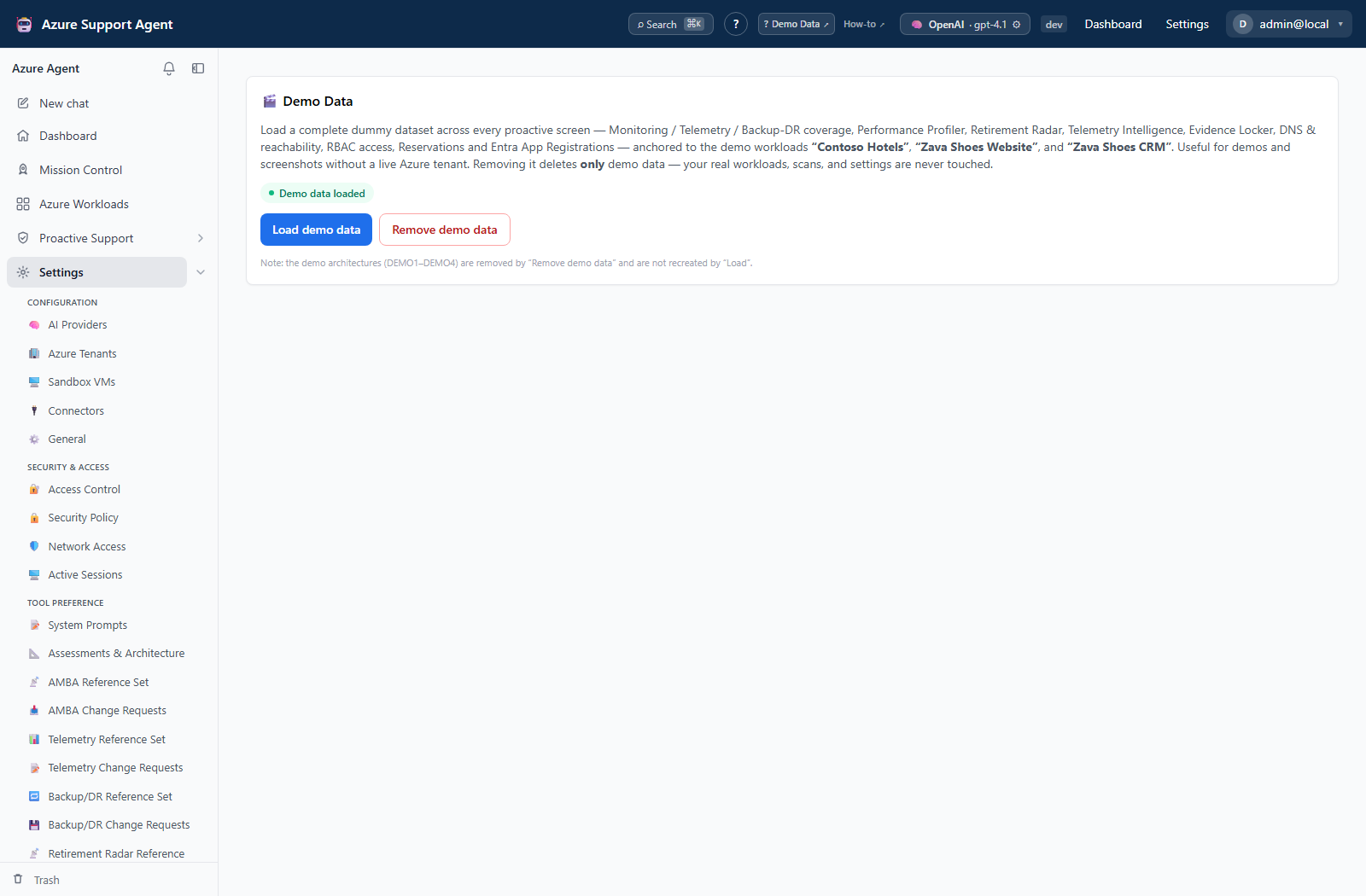
Demo Data loads synthetic records for exploring features without touching Azure. The screen shows status and provides seed/reset or purge actions. Demo connectors are disabled and use non-functional placeholders. Purge removes demo-marked records and is irreversible; inspect the confirmation and avoid mixing demo output into real reports.
Interpretation of results
Exports, history, scheduling, and integrations
No dedicated export, history, scheduling, or integration controls are documented for this feature page.
Safety and limitations
Troubleshooting
Verification
After restore or demo changes, validate workload counts, references, automation targets, connector disabled/status state, access roles, and Audit Log. Do not assume imported schedules or external destinations are safe to enable in a new environment.