Jira, ServiceNow, XSOAR, and PagerDuty
The screenshots show native unsaved, disabled forms or review steps with empty credential secrets. Entered domains are non-resolving examples and other values are fictional. No connector was saved, authenticated, or tested; no issue, incident, entry, or alert was created.
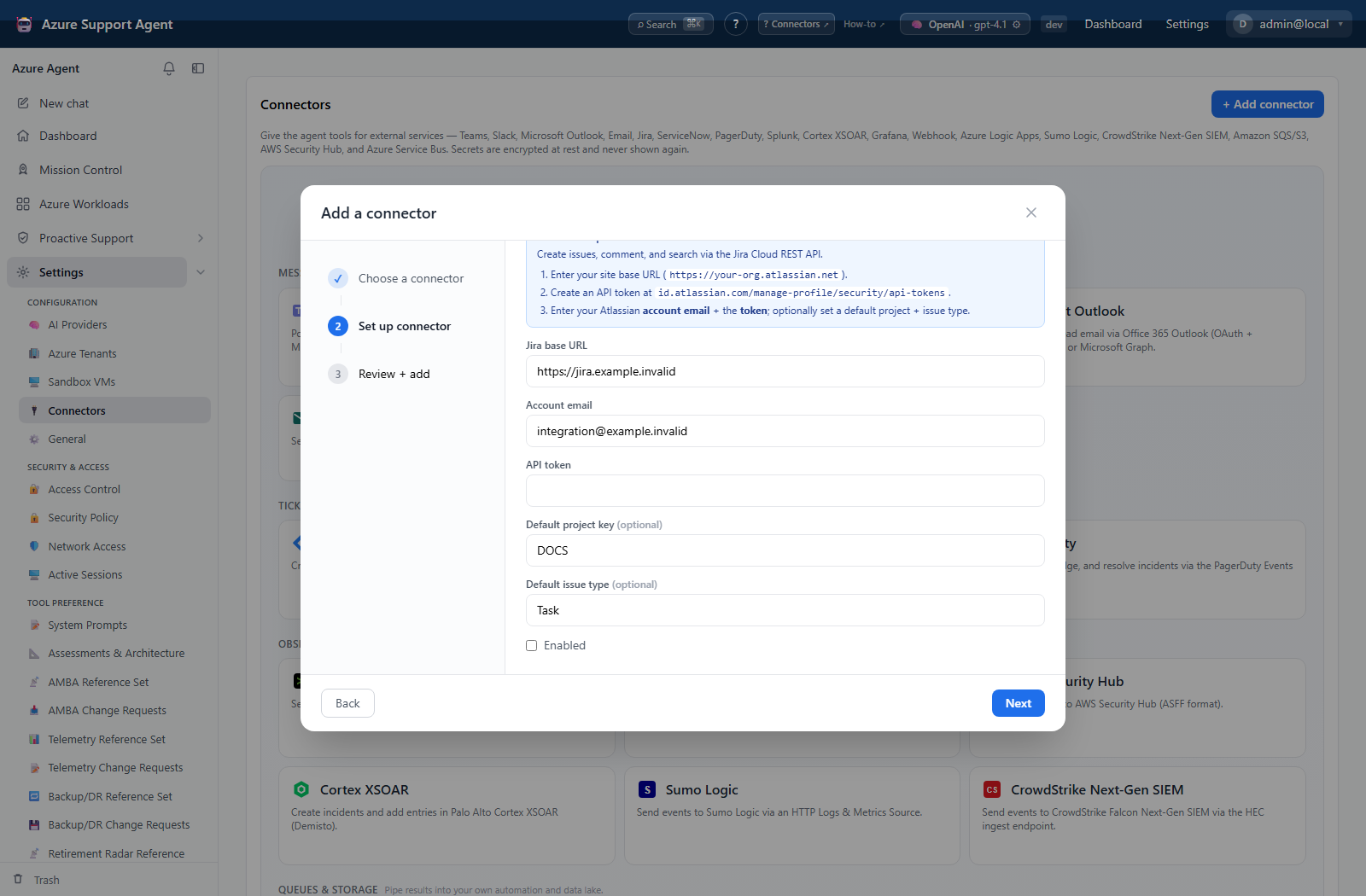
Jira (jira, token mode)
Configure base URL, account email, API token, optional default project, and default issue type. Implemented operations create an issue, add an ADF comment, and search with JQL. The health test reads the authenticated user and does not create an issue. Custom field authoring is not implemented.
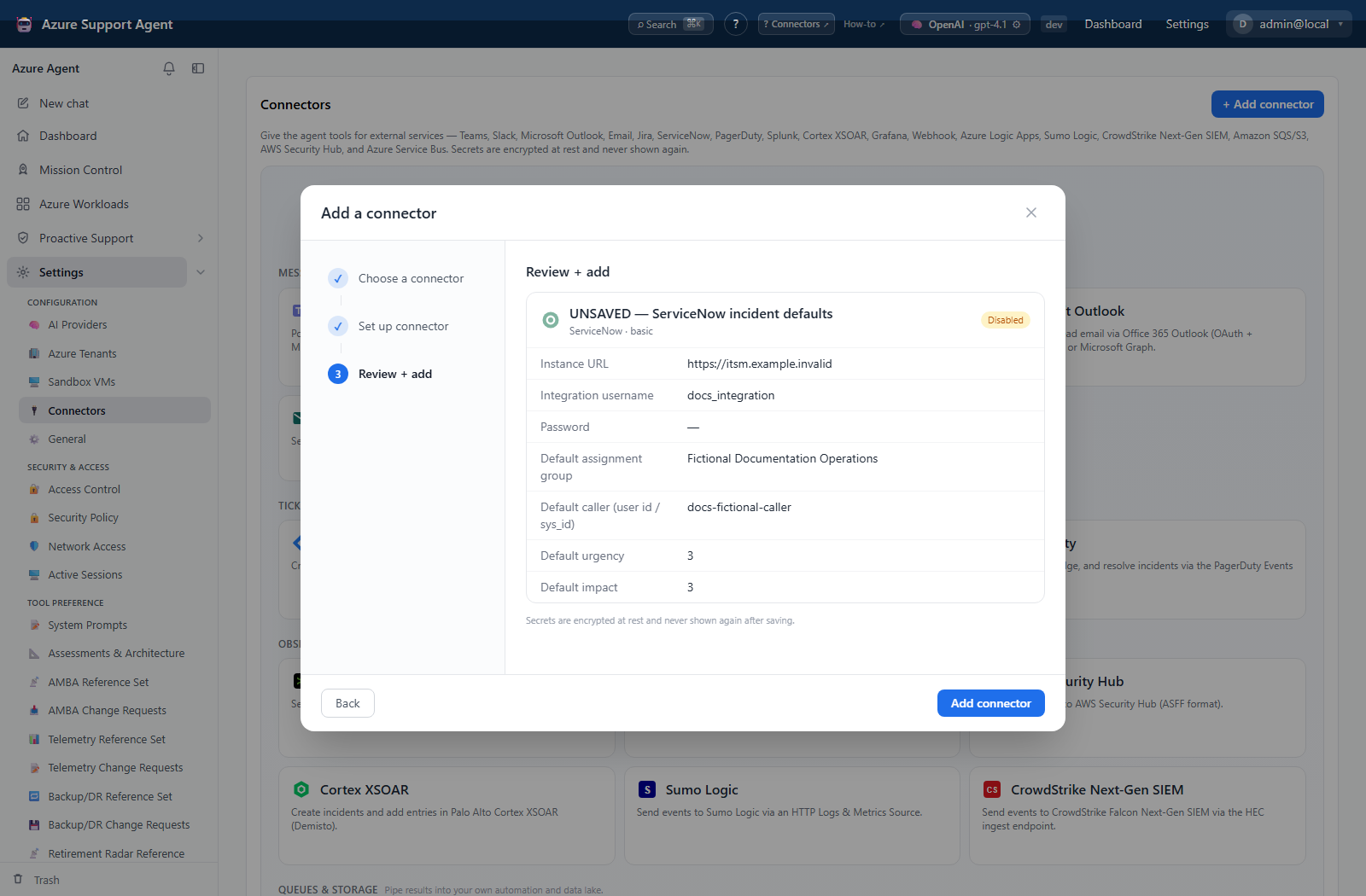
ServiceNow (servicenow, basic mode)
Configure instance URL, integration username/password, optional default urgency/impact, assignment group, and caller ID. Implemented operations create, read, search, and update incidents and add work notes/comments. Use a dedicated least-privilege integration user for the Incident Table API. Change-request tables are not implemented.
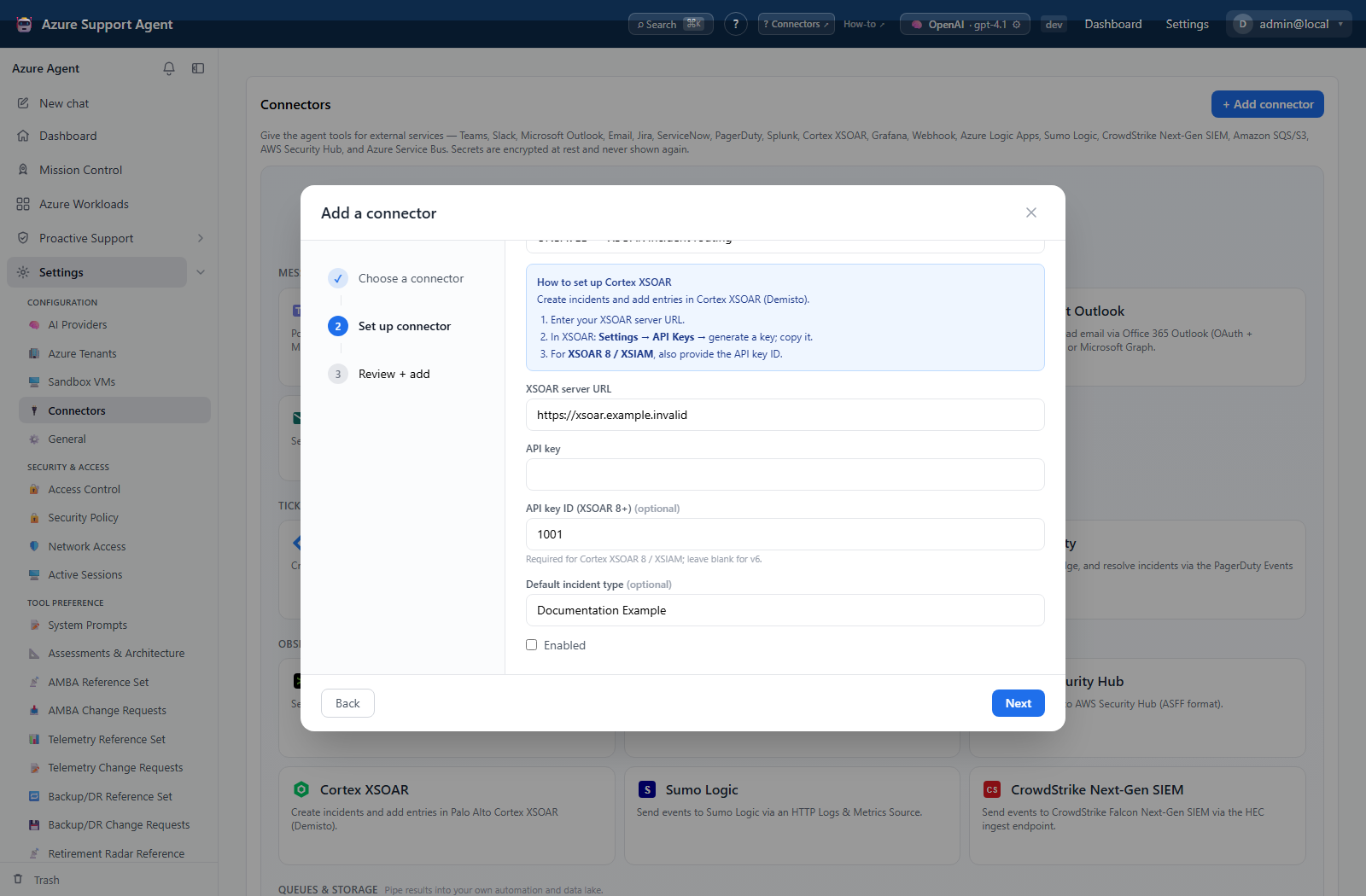
Cortex XSOAR (xsoar, API-key mode)
Configure server URL, API key, optional API key ID, and default incident type. Implemented operations create incidents and add entries. The health test authenticates with a read probe.
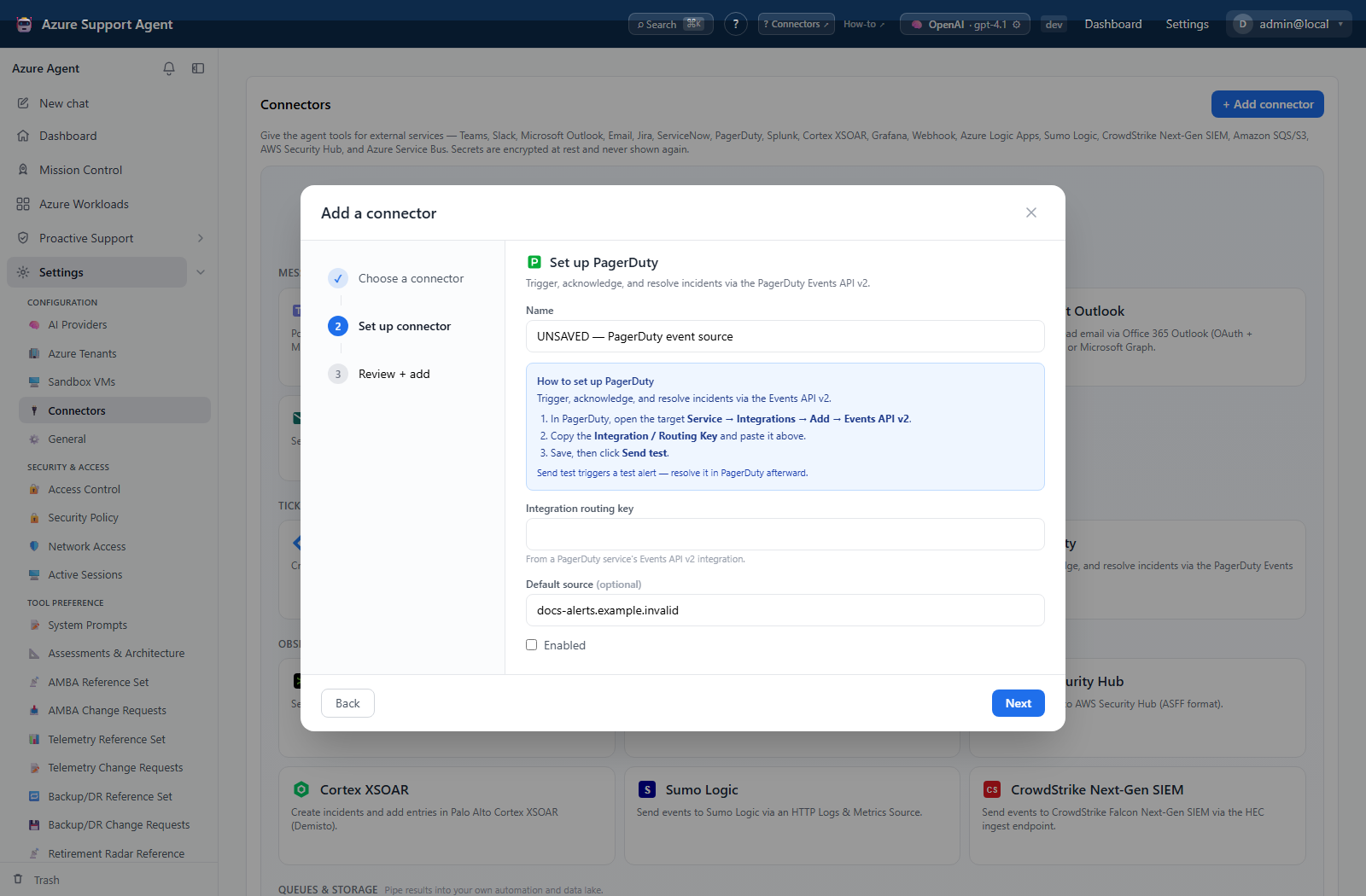
PagerDuty (pagerduty, Events API v2)
Configure routing key and optional default source. Implemented operations trigger, acknowledge, and resolve by deduplication key. It does not manage escalation policies or schedules.
Safe workflow
Use connector health tests first. Ticket/incident creation is a real external write, so the generic Send test is intentionally unavailable for ticketing/storage-like destinations. Create a controlled low-severity test only through an approved workflow, then close it at the destination.
Troubleshooting
| Symptom | Resolution |
|---|---|
| Authentication or authorization fails | Verify base/instance URL, dedicated account state, token/password, and project/role permissions. |
| Calls succeed inconsistently | Confirm defaults and destination API version match the connector configuration. |
| PagerDuty updates do not correlate | Use the same stable deduplication key across trigger, acknowledge, and resolve operations. |