Governance and identity how-to guides
Use these guides to turn cached governance and access data into verified review outcomes. The pages distinguish read-only analysis from local writes and Azure-side remediation.
| Goal | Guide |
|---|---|
| Scan and inventory policy | Inventory and assignments |
| Analyze policy ownership, scope, trends, and pivots | Policy pivots and history |
| Resolve effective policy and governance risks | Effective policy and advisors |
| Plan a staged policy change | Rollout Planner and AI tools |
| Reconcile observed policy with IaC | Policy drift and IaC |
| Triage identity, PIM, and applications | Identity reviews and handoffs |
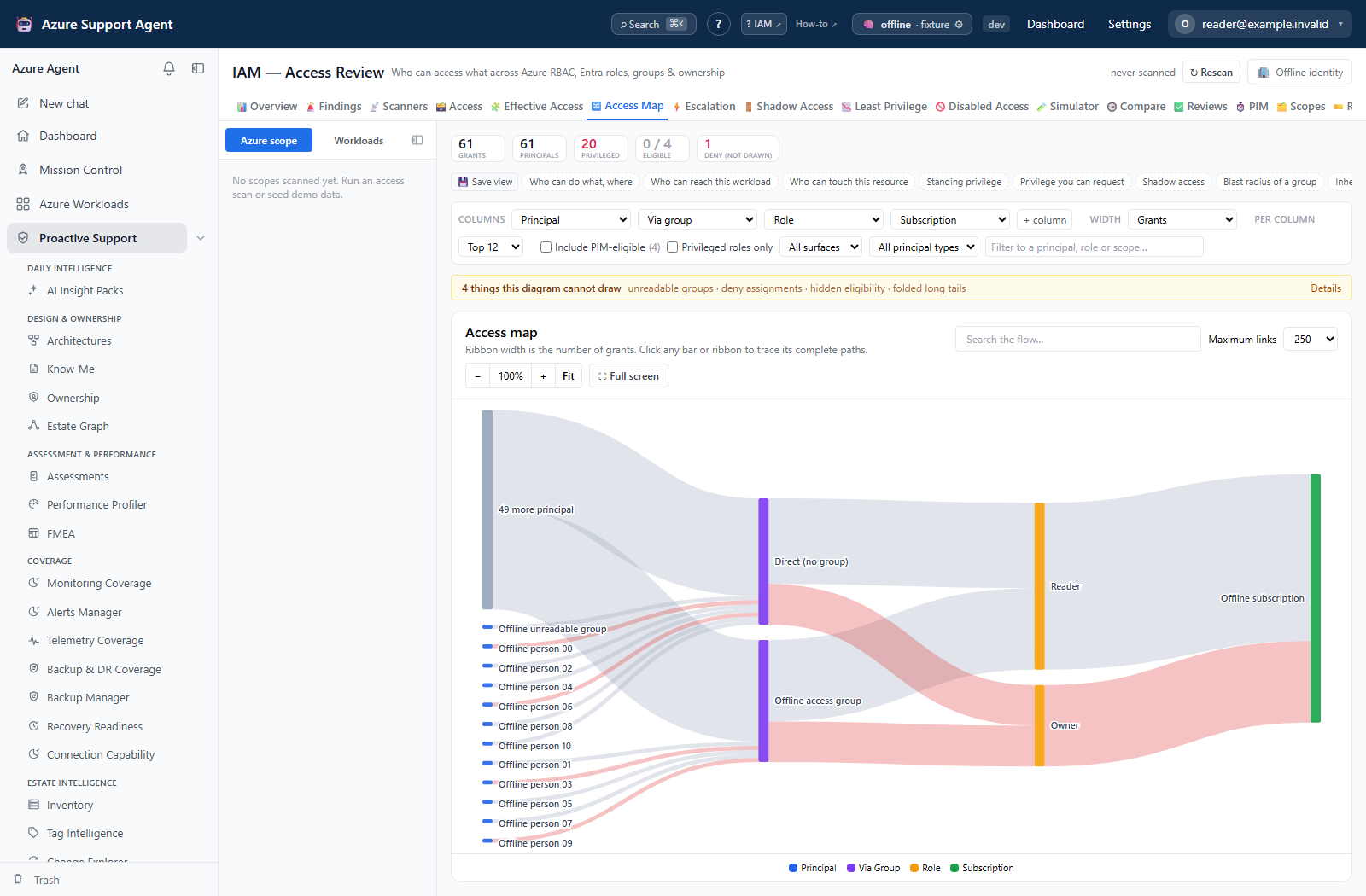
| Review and export effective access | IAM access reviews |
| Consent, collect, and verify Entra coverage | First Entra collection |
| Work an Entra finding from inbox to closure | Investigate an Entra finding |
| Close a Conditional Access coverage gap | Conditional Access coverage gaps |
| Review privileged assignments and activations | Privileged access and activations |
| Diagnose a blind, stale, or throttled collection | Troubleshoot Entra collection |
| Review external access and clear stale invitations | Guest (B2B) access reviews |
| Triage IAM findings and run the access scanners | Work the IAM scanner inbox |
| Trace and close a route from ordinary access to full control | Run an IAM escalation review |
| Find access still held by accounts that were disabled in Entra ID | Export disabled accounts that still hold access |
| Establish what access changed between collections, and who changed it | Find what access changed and who changed it |
Common operating pattern
- Select the intended tenant connection and the narrowest useful workload or scope.
- Check generated time, cache age, collector status, and truncation or partial-result warnings.
- Refresh only the collector needed for the decision.
- Filter before interpreting totals or exporting.
- Validate a candidate against Azure, Entra, Policy Insights, or the authoritative IaC repository.
- Use an approved external change process, then refresh the affected data and preserve verification evidence.
Never put client secrets, access tokens, share tokens, real tenant IDs, object IDs, or user identifiers in prompts, exports used as examples, tickets, or documentation.
Table of contents
- Inventory Azure Policy and assignments
- Analyze policy pivots and history
- Resolve effective policy and governance risks
- Plan policy rollouts and use AI tools
- Reconcile policy drift with IaC
- Review identity, PIM, and app registrations
- Review, scan, export, and investigate IAM
- Set up and run the first Entra collection
- Investigate and close an Entra finding
- Close a Conditional Access coverage gap
- Review privileged access and activations
- Troubleshoot Entra collection and coverage
- Review guest (B2B) access and clean up stale invitations
- Work the IAM scanner inbox
- Run an IAM escalation review
- Find what access changed and who changed it
- Export disabled accounts that still hold access