Assessment & Performance
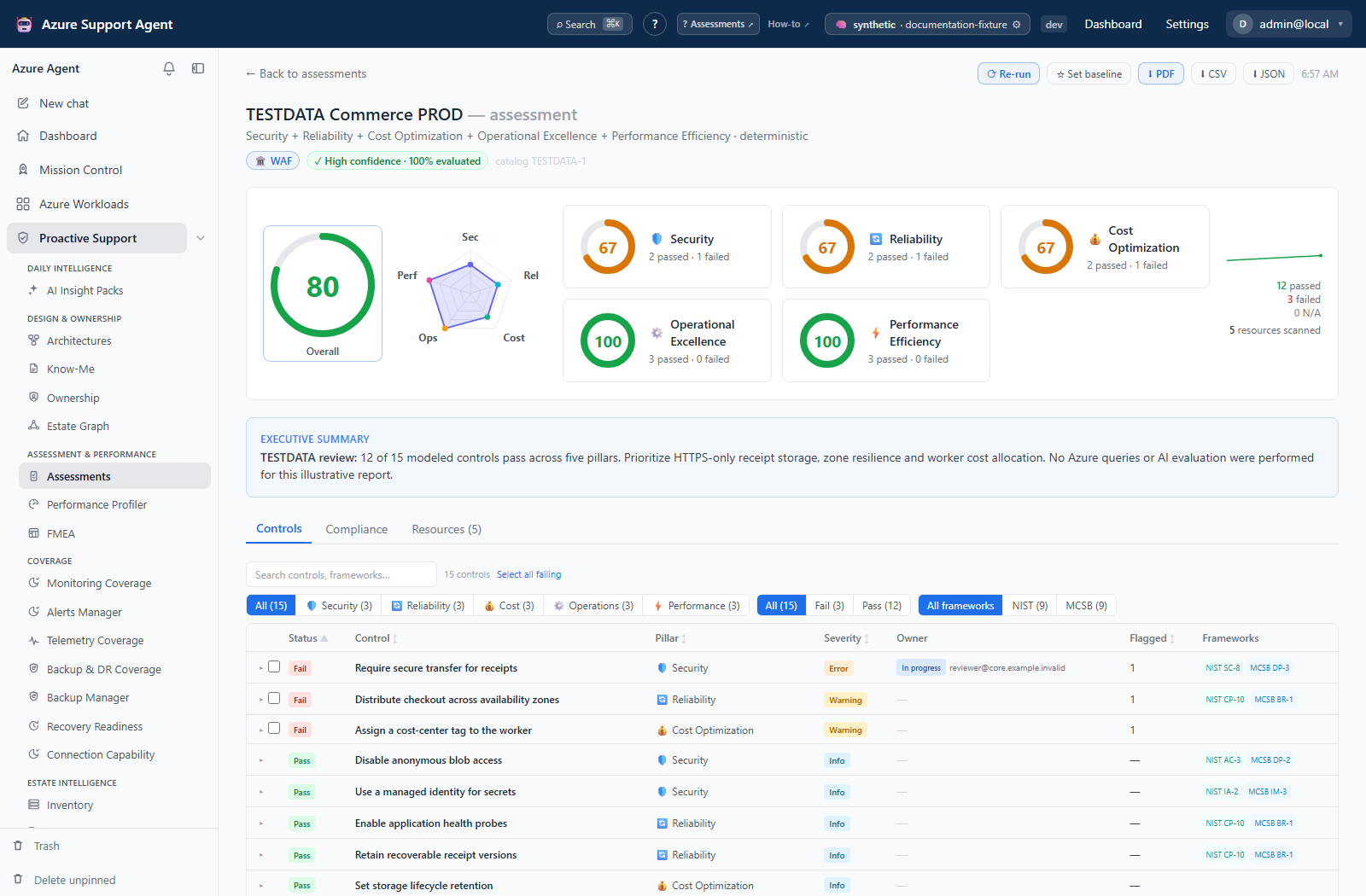
Use this section to turn workload inventory and telemetry into prioritized engineering work. Assessments evaluate controls and framework mappings, Performance Profiler ranks metric bottlenecks, and FMEA records design failure modes and follow-up actions.
In this section
| Guide | Use it to |
|---|---|
| Assessments | Run control catalogs, interpret scores, manage waivers, and export reports. |
| Performance Profiler | Compare Azure Monitor observations with AMBA-aligned thresholds and rank candidate bottlenecks. |
| FMEA | Score failure modes with severity, occurrence, detection, and RPN. |
Recommended sequence
- Confirm the workload scope and cached inventory.
- Run an assessment to establish a posture baseline.
- Use Performance Profiler when telemetry suggests capacity or latency risk.
- Build an FMEA from reviewed architecture memory and assign follow-up owners.
- Re-run periodically and compare results rather than treating one run as permanent truth.
Shared safety model
Results reflect the selected scope, available permissions, cached inventory, and source freshness. A passing control or healthy metric does not prove that a workload is risk-free. AI summaries and generated FMEA rows require human review. Exports may contain resource names and operational findings; handle them according to your organization’s data-classification policy.
The trust models differ: an assessment can finish succeeded with errored controls and provisional completeness, while profiler partial/failed attempts do not replace its latest complete-success posture. FMEA Published is a document lifecycle marker, not automated proof of reviewed controls. See the assessment catalog and limits before comparing totals or scores across these features.