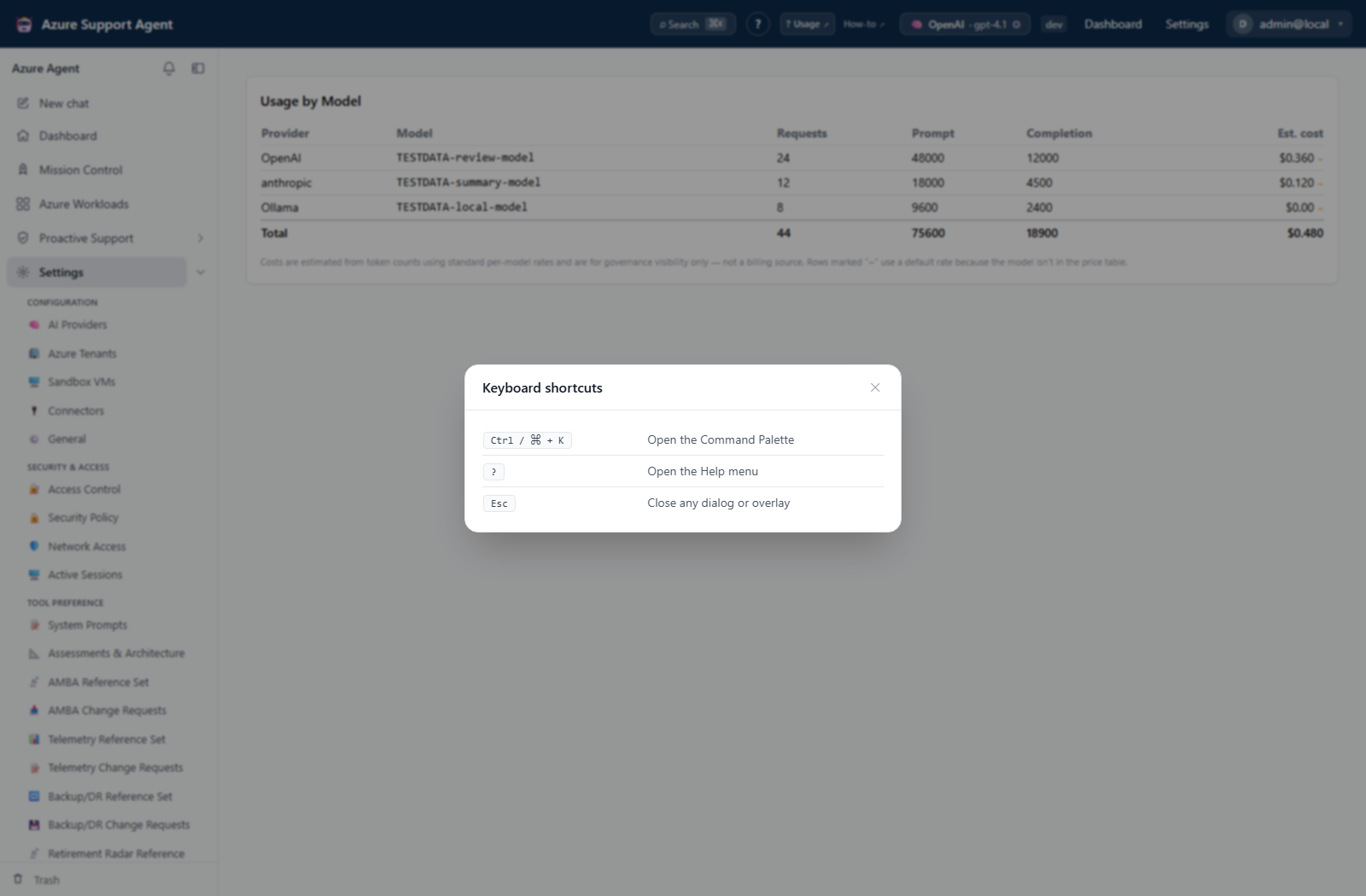
Keyboard shortcuts
| Keys | Action |
|---|---|
| Ctrl + K (Windows/Linux) or ⌘ + K (macOS) | Open the Command Palette. |
| ? | Open Help, including glossary, shortcuts, trust points, and documentation links. |
| Esc | Close the active dialog or overlay. |
Command Palette behavior
The palette lists only destinations allowed by the active role’s effective permissions. It uses the same route requirements as left navigation and direct-route access checks, including the current active-role downscope. Switching roles refreshes the identity and immediately rebuilds the list.
- Open the palette with Ctrl + K or ⌘ + K, or use the visible Search control.
- Type words from a destination label, group, or keyword. Every space-separated token must occur; the search is case-insensitive substring matching rather than an action interpreter.
- Use Up Arrow and Down Arrow to select a result, then Enter to navigate.
- Press Esc or select the backdrop to close without navigating.
Palette results are routes, even when a label resembles an action such as Run an assessment. Opening a result never submits, approves, applies, tests, or deletes anything. An admin badge is descriptive only; route permission filtering remains authoritative. A manually entered URL that is not permitted shows Access not granted instead of bypassing this filtering.
Shortcuts can be intercepted by the browser, operating system, assistive technology, or an active text editor. Use the visible UI control when a shortcut does not fire.