Manage connector lifecycle
Prerequisites
connectors.manage.- A least-privilege provider identity, destination, and required endpoint details.
- Awareness of schedules and notification rules that reference the connector.
Route
- Open
/automations/connectors.
Selection and review examples
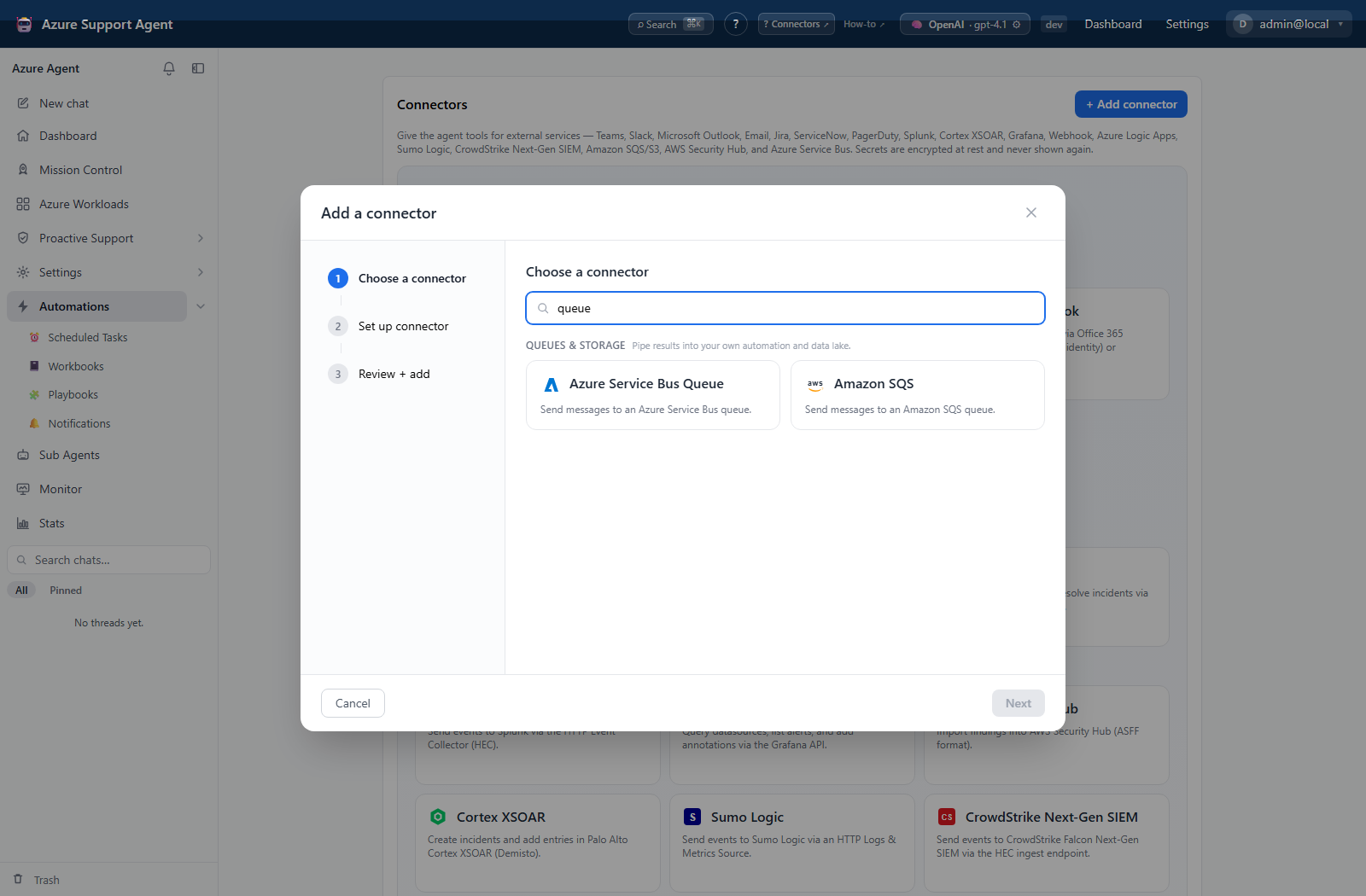
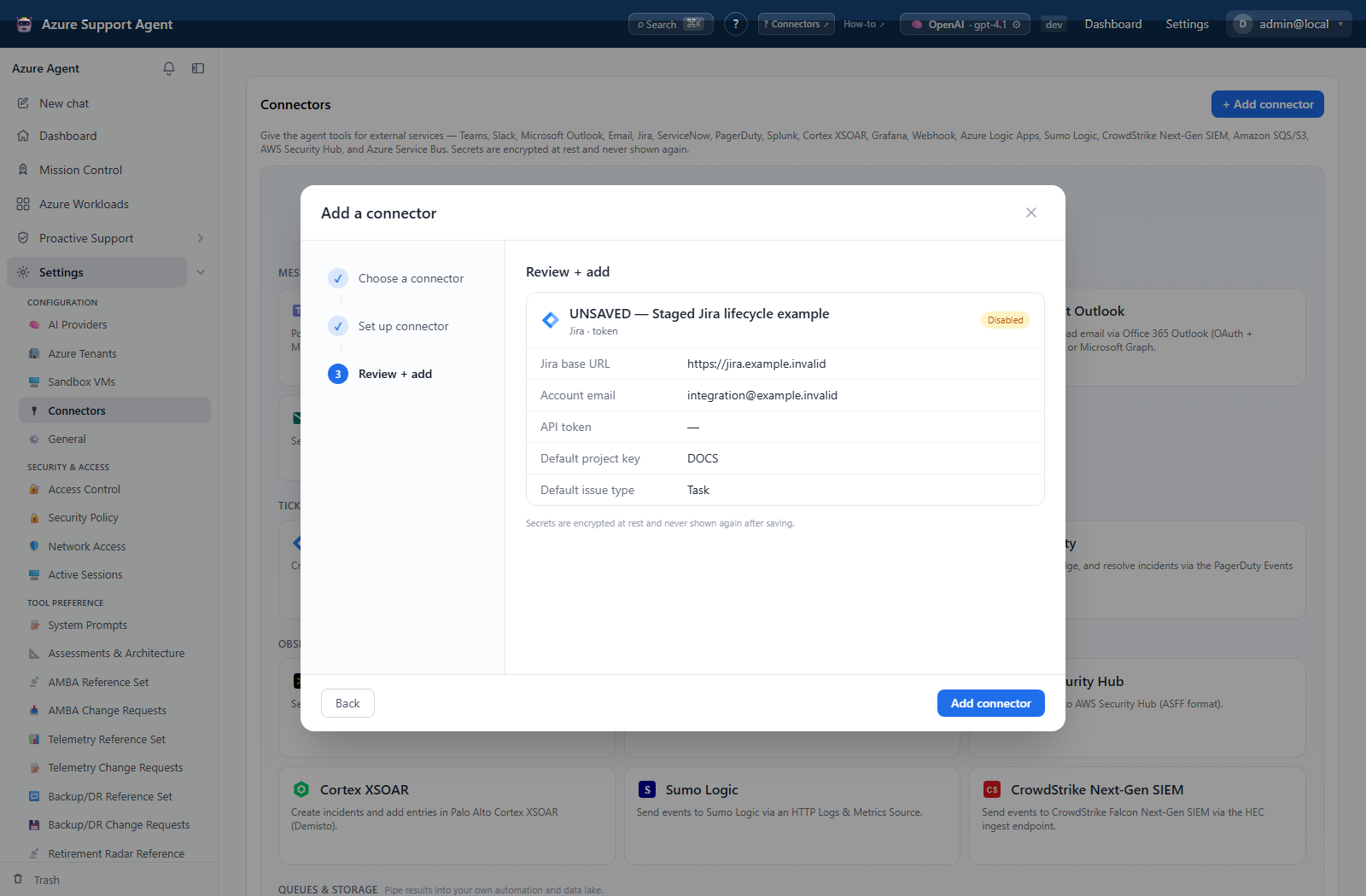
These native screens stop at selection or unsaved, disabled review. The review uses fictional non-secret values and non-resolving example domains with the credential secret empty. They do not demonstrate saving, testing, enabling a stored connector, credential rotation, deletion, or delivery.
How to create and test a connector
- Select Add connector, search or browse the six categories, and choose a type.
- Name it, choose a supported mode, and complete the provider fields from the matching guide.
- Review the masked summary, leave Enabled off for staged rollout, and save.
- Select Test. This is side-effect-free: depending on type, it checks required configuration or performs a lightweight authentication/read probe.
- Read the status detail. Do not interpret a configuration-only success as proof of reachability, authorization, or delivery.
- If the provider guide lists Send test support, enable the connector and select Send test only after preparing the destination.
Expected result: The connector appears with type, mode, enabled state, and the latest ok, error, or unknown status detail.
Verification: For Test, compare the detail with the provider guide’s exact probe. For Send test, verify the real provider artifact and clean it up when appropriate.
How to enable, disable, edit, or delete a connector
- Select Edit on the connector.
- Change its name, non-secret fields, or mode-specific configuration. Leave a saved secret blank to retain it; enter a value only to replace it.
- Toggle Enabled, review the summary, and save.
- After enabling, repeat Test and the provider’s supported verification.
- To remove it, first detach it from task and notification destinations, select Delete, and confirm.
Expected result: Disabled connectors remain configured but cannot deliver notifications or expose tools. Edited connectors show the new configuration; deletion removes the connector.
Verification: Refresh the list, confirm the state badge, and run Test after any credential or endpoint change.
Safety and rollback
Disabling is the preferred reversible rollback. Record old endpoint metadata before editing. Deletion is not presented as reversible; recreate and reattach the connector if needed.
Secrets are masked after save; leaving an existing secret blank during edit retains it. Use non-production destinations first. Disable the connector to stop future tool/notification use; provider-side test artifacts require provider-side cleanup.
Troubleshooting
| Symptom | Resolution |
|---|---|
| Disabled connector still has an old provider artifact | disabling stops future use; it does not remove existing artifacts. |
| Rule no longer lists a connector | only enabled connectors are selectable; enable it or choose another destination. |
| Status is stale after edit | run Test again to replace the prior status detail. |
| Configuration-only test succeeds but delivery fails | verify endpoint reachability, destination permissions, and the provider artifact. |
| Secret update fails | re-enter the replacement secret; saved secrets are not displayed. |
| Send test is absent | the type is outside the code allowlist; use its safe verification recipe. |
| Send test is disabled | save the connector as enabled first. |
| Connector categories | Review connector configuration and retry. |
| Notifications | Review connector configuration and retry. |