Estate Intelligence
Estate Intelligence turns Azure inventory and change evidence into searchable operational views.
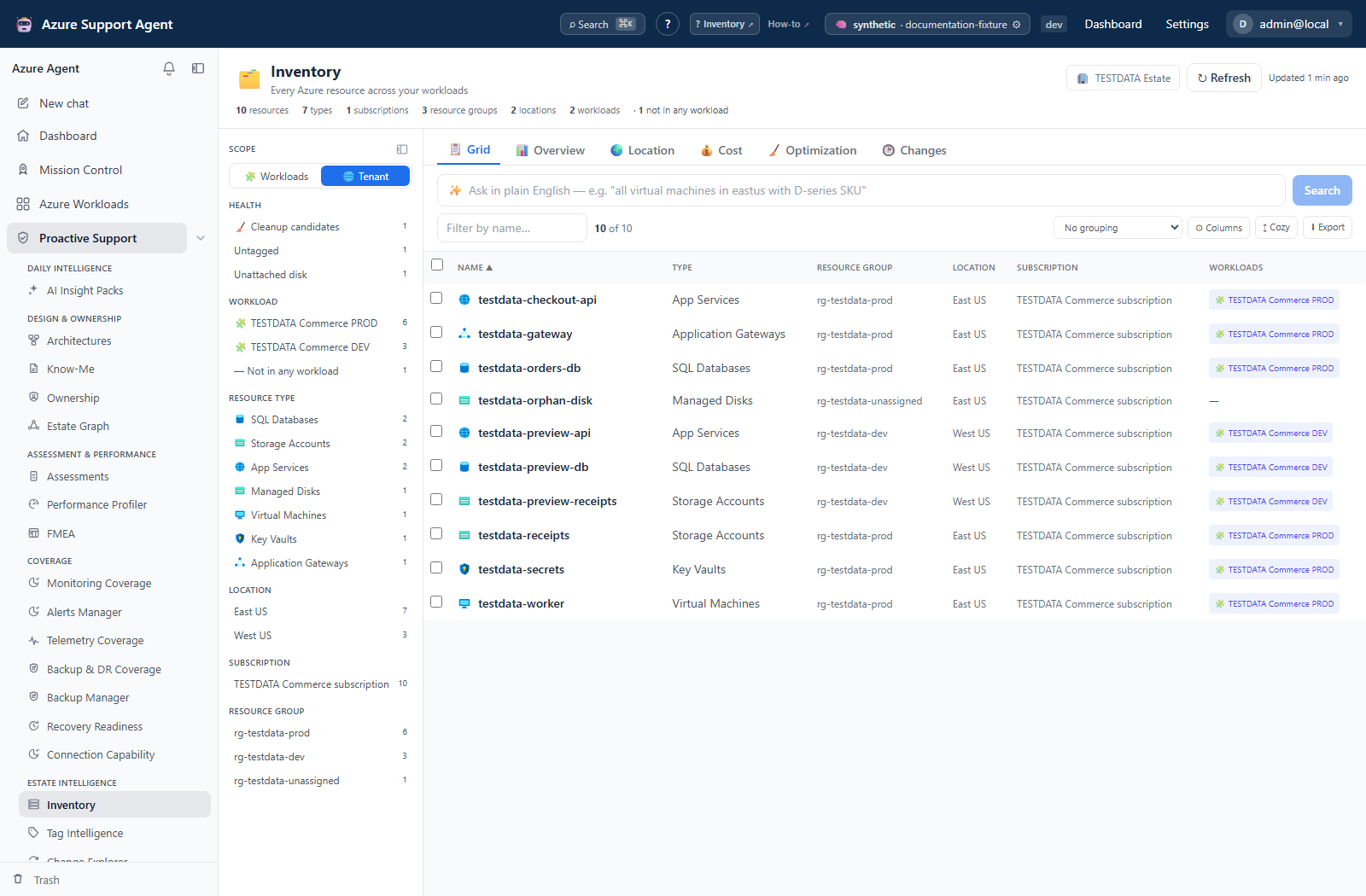
| Guide | Use it to |
|---|---|
| Inventory | Search/export resources, inspect access/location/cost, find optimization candidates, and compare current cached inventory with a saved baseline. |
| Tag Intelligence | Audit tag census, hygiene, required-tag coverage, cost allocation, drift, policy, and governed remediation. |
| Change Explorer | Analyze activity over a time window by operation, actor, risk, resource, technical diff, and dependency impact. |
Recommended sequence
- Refresh Inventory for the intended connection and scope.
- Use Tag Intelligence to quantify and safely correct metadata gaps.
- Use Change Explorer for a bounded forensic window when investigating drift or incidents.
Always verify generated time, selected scope, truncation indicators, and optional data-source permissions before treating the result as complete.
Choose evidence and permissions deliberately
| Area | Application access and important boundary |
|---|---|
| Inventory | inventory.read includes cost and snapshot creation/deletion. Grid facets do not narrow the collection request. The Access drawer additionally needs iam.read. |
| Tag Intelligence | tagintel.read includes preview, scripts, policy and AI proposals; tagintel.write controls saved metadata changes and Azure apply/revert. Review the documented target-list and recovery limitations before approval. |
| Change Explorer | changeexplorer.read includes analysis, annotations, exports and destructive local-history cleanup. It is not admin-only or read-only access to saved records. |
Azure Reader/billing/directory/tag-write rights are separate from these application capabilities. Administrator access to the app does not grant the connection Azure permissions.
Inventory baselines compare only a small resource fingerprint; Tag Drift compares captured tag state; Change Explorer compares retained event evidence. None is an immutable, unlimited audit archive. Inventory snapshot storage is server-side, whereas display preferences and saved Change Explorer filter views are browser-local. Cost and Change Explorer Fleet jobs are database-backed durable batches; a Tag refresh or a single Explorer stream does not offer the same restart/reload guarantees.
Write and AI boundaries
- Inventory’s owner-tag action is an Azure write through
ownership.write, despite the otherwise read-only inventory workflow. Its UI confirmation is not a server read-only-setting check or a saved recovery revision. - Tag apply requires explicit approval and checks connection read-only/command execution; revert follows a different ARM path that does not enforce those same controls. Do not assume the chat execution mode governs either endpoint.
- Change Explorer does not execute rollback hints, but opening an unanalyzed event can invoke AI even when the initial analysis checkbox was off. Its exports use the saved run, not visible filters, and can contain sensitive evidence.
Use the estate operation recipes for verification and recovery steps before acting on these views.