Design & Ownership
Design & Ownership brings architecture context, operational knowledge, accountability, and estate relationships into one workflow. Use these guides to move from a workload diagram to support-ready documentation and named owners, then explore dependencies and risk across the estate.
In this section
| Guide | Use it to |
|---|---|
| AI Insight Packs | Build scheduled or on-demand AI digests from operational evidence. |
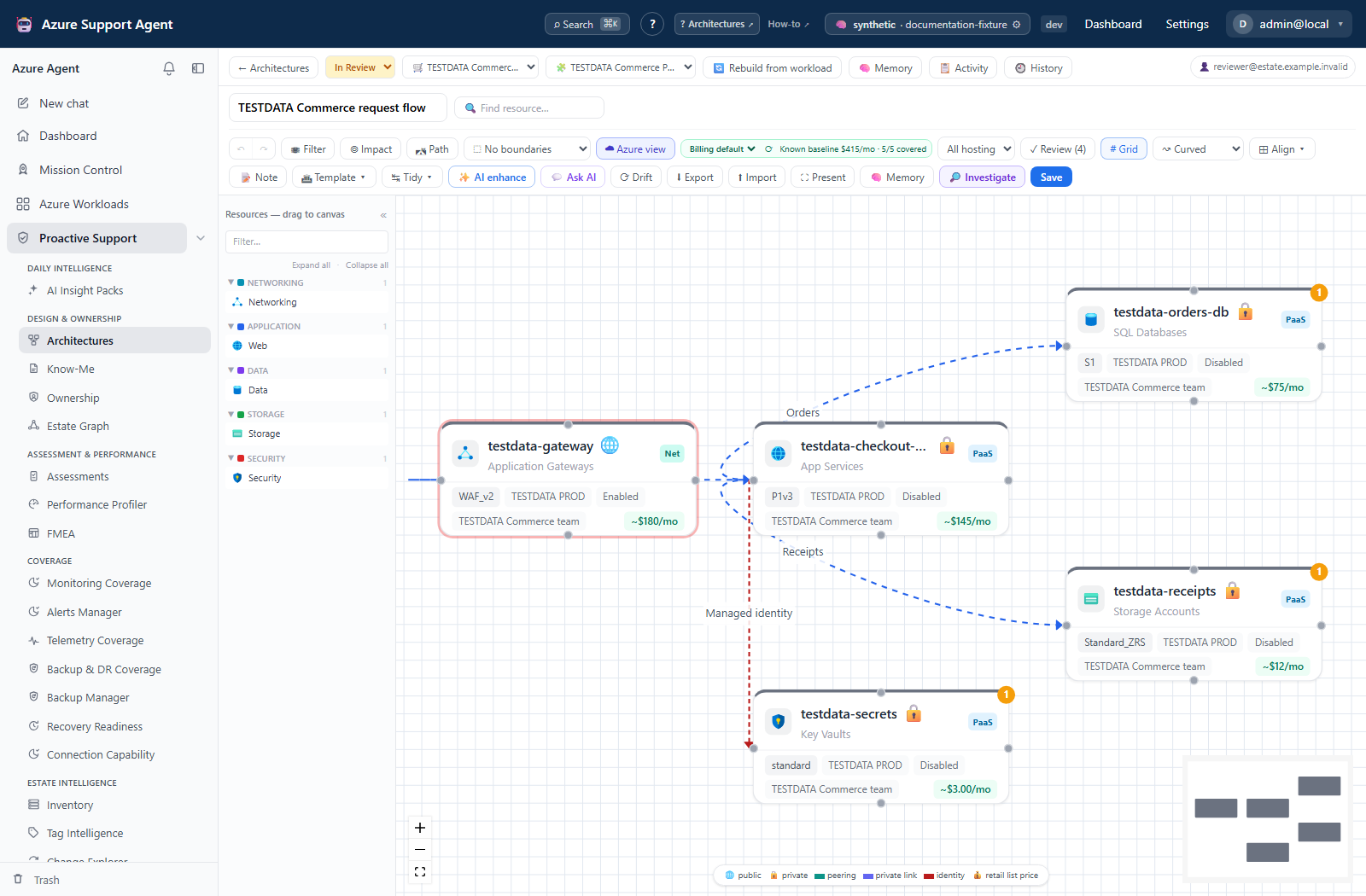
| Architectures | Draw architecture diagrams or reverse-engineer them from workload resources. |
| Know-Me | Maintain support-ready workload knowledge derived from architecture memory. |
| Ownership | Maintain owners and teams, assignments, coverage, suggestions, and attestations. |
| Estate Graph | Explore relationships, paths, blast radius, and cached operational overlays. |
| Network and DNS Diagnostics | Observe reachability and name resolution from a sandbox host and investigate possible Azure configuration causes. |
| Sandbox VM Diagnostics | Run bounded in-guest commands, and understand the approval and audit boundaries around them. |
Recommended sequence
- Register or select a workload and confirm its inventory is current.
- Build an architecture and review every generated relationship.
- Add Know-Me context for support and investigations.
- Assign accountable people or teams in Ownership.
- Use Estate Graph to inspect cross-workload dependencies and cached risk signals.
- Add AI Insight Packs for recurring review of material changes.
- When a diagram’s expected flow disagrees with observations, use Network and DNS Diagnostics and inspect every required probe step, not just the aggregate verdict.
Shared safety model
These views combine stored application records, cached Azure observations, and optional AI output. Generated diagrams, narratives, suggestions, and runbooks are decision support—not authoritative Azure state. Confirm freshness, scope, and source evidence before operational use. Actions that can change Azure, such as applying ownership tags, require an explicit preview and appropriate write access.
“Read” permission names do not consistently mean no side effects: Graph saves views, profiler creates evidence/findings, and selected architecture/Memory endpoints save content under read grants. Diagnostic traffic and optional sandbox tool installation have operational effects even though the DNS/connectivity tools do not deploy Azure configuration. Use the feature-specific permission and safety sections before granting access or starting a task.