Administration tasks
Use these procedures to configure the application, govern access, maintain reference data, and verify administrative changes without exposing credentials.
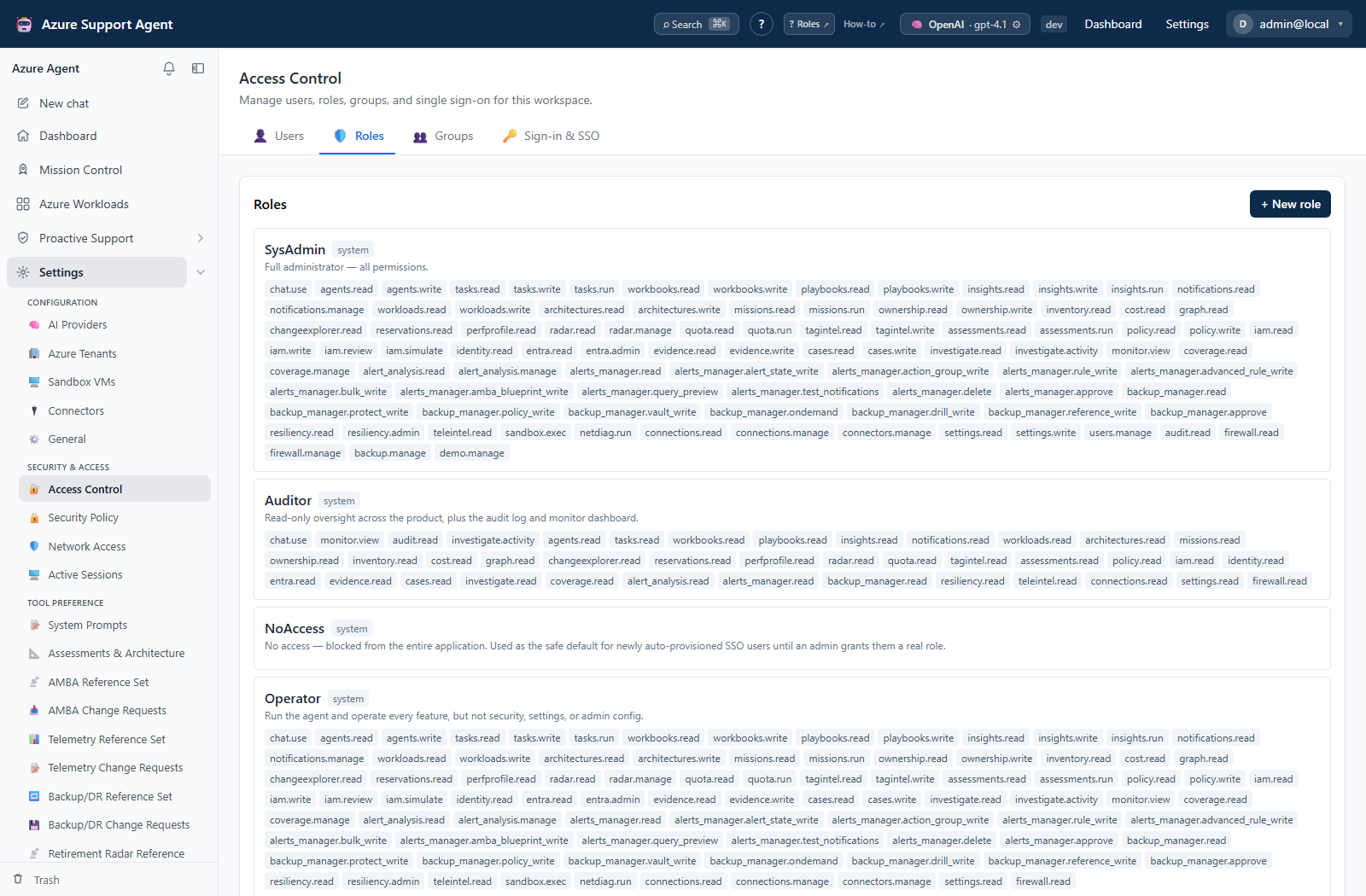
How to choose an administration task
Prerequisites
- Sign in and confirm that the required product permission is present.
- Record the current state before changing settings.
- Keep credential values in an approved secret store, not in tickets, screenshots, or documentation.
Frontend Route
Open /admin, then select the required administration card.
Steps
- Choose the page that matches the intended outcome:
- Configure AI providers
- Manage Azure tenants
- Manage Sandbox VMs
- Configure connectors
- Change General settings
- Manage users, roles, groups, and SSO
- Set policy and revoke sessions
- Restrict network access by IP
- Edit prompts and scoring
- Maintain reference sets and requests
- Review usage and audit history
- Inspect Azure and EntraID MCP tools
- Operate durable fleet and background batches
- Back up, restore, or manage demo data
- Follow the exact route, permission, verification, and rollback guidance on that page.
- Review the Audit Log after a write.
Expected result
The selected task opens at the correct frontend route and the operator knows its permission and safety boundary before making a change.
Verification
Confirm the route in the browser and verify that the page heading matches the intended admin area.
Safety and rollback
Prefer disable, preview, test, and reset controls over deletion. Secrets are masked or write-only on supported forms: a stored value is not evidence that it remains valid. Take a backup before broad changes.
Troubleshooting
| Symptom | Resolution |
|---|---|
| A card or action is absent | Confirm the signed-in user’s effective permission and active role. |
| A save is rejected | Review inline validation and change only visible, supported fields. |
| A credential field is blank while editing | This commonly represents a stored write-only value; do not paste it into logs. Enter a new value only to rotate it. |
Related docs
Table of contents
- Configure AI providers
- Manage Azure tenant connections
- Manage Sandbox VMs
- Configure connectors
- Change General settings safely
- Manage Access Control
- Set security policy and revoke sessions
- Restrict network access by IP
- Govern prompts and scoring
- Maintain reference sets and change requests
- Review usage and audit history
- Inspect Azure and EntraID MCP tools
- Back up, restore, and manage demo data
- Operate durable fleet and background batches